
Can You Build a Group of AI Characters Who Look Like Sisters Without Mixing Them Up?
By Marcus, AI generation expert at OFMAI · Updated
Yes, and the two halves of the question pull in opposite directions: the resemblance comes from a short list of traits you repeat on purpose, while keeping them apart comes from giving each sister her own stored character instead of her own paragraph in a prompt. One prompt describing three related women applies a single bundle of attributes to a single image - getimg.ai's 2026 consistency guide calls this "attribute bleed", where "descriptors in your prompt can attach to the wrong subject when multiple characters are involved" (published 8 April 2026).
So build each sister on her own, on a shared trait list, and only then put them in the same feed or the same frame. On OFMAI each one is a stored character: built once from 3 of your own reference photos - a portrait, a front view and a back view, with no training and ready in minutes - or designed from a text description, then reused in every generation with the same look, body and morphology in each output. A character is 12 credits and a photo 2, so three sisters plus three shots of each is 54 credits, about $13.49 on Pro ($24.99 for 100 credits a month).

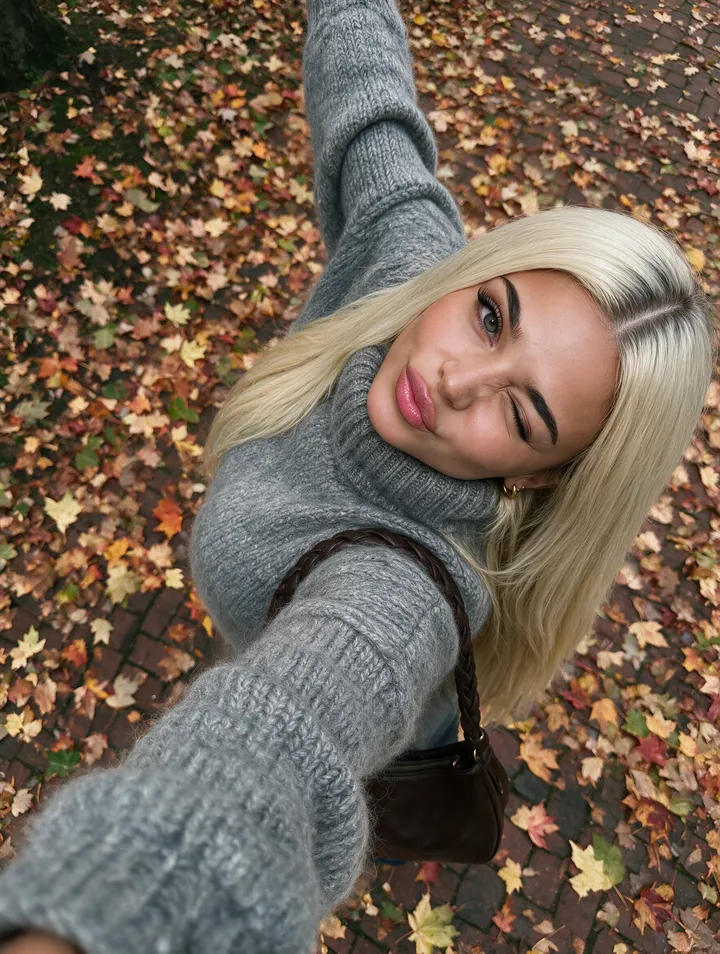
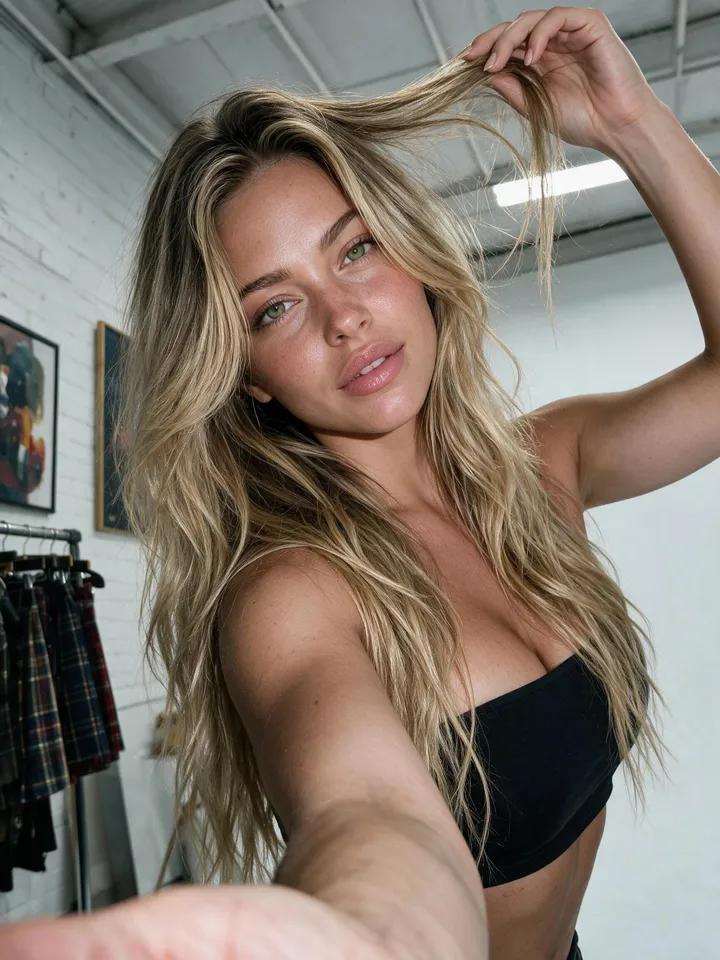
Can you build a group of AI characters who look like sisters?
Yes, in two separate steps that most people try to do in one. Step one is the resemblance: decide which traits the sisters share and which ones separate them, and write that list once. Step two is identity: make each sister reproducible on demand, so that generation number eighty of the middle sister is still the middle sister and not a blend of the other two.
Doing both in a single prompt is what fails. A prompt names a type of person, not a specific one, so three described women come back as three strangers who happen to match the adjectives - or as one average of all three. invideo's family-resemblance FAQ, last updated 27 July 2026, reports the opposite result when the relationship is loaded into context before anything is generated: the tool produced a sibling with matching resemblance unprompted, "because it knows that Paul is Kate's brother". Relationship first, then one anchor per person.
Why do sister characters bleed into each other?
Because identity in an image generator is global, not attached to a subject. "The eldest has copper hair and freckles, the youngest is shorter with dark hair" is one list applied to one picture: the copper lands on the wrong head, or the two looks converge. getimg.ai names this attribute bleed and reports it whenever several characters appear together (8 April 2026). Sisters make it worse rather than better, because the traits you deliberately share - colouring, build, bone structure - are exactly the ones the model uses to tell two people apart.
Reference-based likeness has the same shape: it reproduces what is in the reference, one subject at a time. Midjourney's Omni Reference documentation caps it at one image, with `--ow` running from 1 to 1,000 and defaulting to 100 (read in November 2026). Reference conditioning of that kind also has no memory - getimg.ai notes that the reference "doesn't persist between sessions" (8 April 2026), so every sister has to be re-anchored by hand every time you sit down, and the small shift each pass introduces is what people call drift.
How do you give several characters a family resemblance on purpose?
Write a shared block and a distinct block, and never mix them. The shared block holds what makes them read as sisters - invideo's FAQ suggests skin tone, bone structure and eye colour - and it is repeated word for word for every sister (27 July 2026). The distinct block holds what separates them at a glance: age, hair, build and wardrobe, per that same guide. Three sisters who differ only in hair colour will be confused by viewers and by the generator; give each one something structural, like a clear age gap or a different build.
Then generate several options for each sister against the same shared block and pick one, rather than accepting the first result. The point of selecting is that the shared block has to survive being approved three times: if the one you keep for the youngest drifts away from the colouring you fixed, the family stops reading as a family two weeks later. Once the three are approved, the shared block stops being a prompt and becomes a checklist you compare new output against.
What are the five routes to a set of sisters, and which one keeps them apart?
One prompt naming all three, in a general generator such as Midjourney or a Stable Diffusion setup: nothing is held, so keep it for silhouettes, crowd shots and layout tests. One reference image per generation: workable, but you re-anchor each sister every session and a single reference governs a single picture (Midjourney Omni Reference documentation, one image at a time, read in November 2026). A trained adapter per sister on Stable Diffusion: the most control, and the most work before you start - a ComfyUI LoRA tutorial of 28 August 2026 puts a character at 15 to 30 images (eastondev.com) and diyai.io, 23 October 2026, gives 15 to 30 for SDXL-based models and 30 to 100 for DiT ones. For three sisters that is 45 to 90 reference images of people who do not exist yet, plus a GPU and a training run each.
One model covering the whole family, or two composed into one: tempting and risky, because you are asking a single trained object to hold three near-identical identities. Scenario documents the composed route step by step and warns that features from two characters "may occasionally blend together", fixing it with a mask per character and the other character's model influence set to zero - not with a longer prompt (help centre, read in October 2026). Fifth route: a stored character per sister, with no training at all. On OFMAI each sister is built once, from 3 reference photos or from a description, and recalled in every generation afterwards, which is the only version of this where the number of sisters costs you credits rather than datasets.
How do you stop two sisters drifting into each other over a month of posting?
Give each one a name the system recognises, not a description you retype. invideo's FAQ recommends saving each character under a named key so they do not drift between scenes, and locking every family member to her own multi-angle reference sheet - one production it cites used 11 reference images for four characters and a prop (27 July 2026). A stored character does the same job: you call the sister, not her adjectives.
Then test each sister on her own before any shot that puts two of them together. getimg.ai's advice is exactly this, for exactly this reason: solo drift compounds when characters share a frame (8 April 2026). A practical rhythm is one control shot per sister at the start of a session, compared against her approved set, before the day's posts. When one has slipped, fix the shot rather than the set - on OFMAI an image edit is 2 credits against 2 for a fresh photo, and a failed generation is refunded automatically.
What does a roster of sister characters cost on OFMAI?
12 credits per character - 6 for the batch of candidate portraits and 6 to confirm your pick and generate the front and back views - so three sisters is 36 credits, paid once. After that only output costs: 2 a photo, 2 an edit, and from 7 for a 5-second clip at 480p, 13 at 720p and 25 at 1080p.
In practice: building the three and shooting three photos of each is 54 credits, about $13.49 on Pro ($24.99 for 100 credits). A month of 30 posts for each of the three is 180 credits, inside Business (300 credits for $49.99), and an agency running the same three plus video sits on Agency (1000 credits for $149.99). One photo works out at about $0.67 on Starter ($9.99 for 30 credits). Annual billing saves 25%, subscription credits renew each month, and credits bought as a top-up never expire.
When is OFMAI the wrong tool for a group of sister characters?
When the group only has to exist once. For a single illustration of three related women, a general image generator does it in one prompt for far less effort than building three characters - OFMAI is built around a recurring character, not one-off images, and it is not a stock-photo or general design tool. It is also the wrong tool when you want per-subject masks and numeric influence weights inside one generation, which is the composed-model route Scenario documents (read in October 2026), or when you need to own the weights and run offline: OFMAI is a hosted web app, not a local model or a downloadable checkpoint, so a local Stable Diffusion stack and your own GPU is the honest answer there.
One more limit worth knowing before you plan a shoot: a character on OFMAI is one person, so a photo of two sisters together is a composite of two generations repaired with an edit, not a single prompt - the same conclusion covered on our two-characters page. Video follows the same rule, one sister per clip with cuts between them. And none of this applies to real people: a character built from photos has to be of you, or of someone who has explicitly authorised it.
Five routes to a set of lookalike sisters
- One prompt naming all three, general generator (Midjourney, a Stable Diffusion setup) - nothing held; getimg.ai's "attribute bleed" sends traits to the wrong sister when several characters share a prompt (8 April 2026).
- One reference image per generation - works per picture, not per project: Omni Reference takes one image at a time, `--ow` 1 to 1,000, default 100 (Midjourney documentation, read in November 2026), and reference conditioning "doesn't persist between sessions" (getimg.ai, 8 April 2026).
- A trained adapter per sister (Stable Diffusion) - most control, most setup: 15 to 30 images per character (eastondev.com, 28 August 2026; diyai.io, 23 October 2026, gives 30 to 100 for DiT models), so 45 to 90 images and three training runs for three sisters.
- One composed or family-wide model - the fastest way to mix them up: features "may occasionally blend together", fixed with a mask per character and the other model's influence at zero (Scenario help centre, read in October 2026).
- A stored character per sister (OFMAI) - built once from 3 reference photos or from a description, no training, then recalled in every generation with the same look, body and morphology: 12 credits a character, 2 a photo, 2 an edit.
- The resemblance itself - one shared trait block repeated word for word (skin tone, bone structure, eye colour) and one distinct block per sister (age, hair, build, wardrobe), per invideo's family-resemblance FAQ, 27 July 2026.
OFMAI in numbers
- creators signed up
- 13,000+
- photos and videos generated
- 72,000+
- videos generated
- 11,000+
Frequently asked questions
Can I build a group of AI characters who look like sisters without mixing them up?
Yes, by separating the two problems. The resemblance is a shared trait block - skin tone, bone structure, eye colour - repeated identically for each sister, with age, hair, build and wardrobe varied to tell them apart (invideo, 27 July 2026). Not mixing them up is a different job: each sister needs her own anchor, because a prompt holding several characters sends descriptors to the wrong subject (getimg.ai, "attribute bleed", 8 April 2026). On OFMAI each sister is a stored character built once for 12 credits from 3 reference photos or from a description, then reused in every generation at 2 credits a photo.
Why do my AI sisters end up looking like the same person?
Because the traits you deliberately share are the ones the generator uses to tell people apart, and because identity is applied to the whole image rather than to one subject. Give each sister something structural rather than cosmetic - a clear age gap, a different build - and anchor each one separately instead of describing all three in one prompt. getimg.ai reports the same failure as attribute bleed whenever several characters appear together (8 April 2026).
Can Midjourney or Stable Diffusion handle a family of consistent characters?
One at a time, with work. Midjourney's Omni Reference documentation caps the reference at one image, with `--ow` from 1 to 1,000 and a default of 100 (read in November 2026), so each sister is re-anchored per generation. Stable Diffusion's answer is a trained adapter per character - 15 to 30 images each according to a ComfyUI LoRA tutorial of 28 August 2026 (eastondev.com), and 30 to 100 for DiT-based models per diyai.io, 23 October 2026 - which means 45 to 90 reference images and three training runs before the first usable photo of three sisters.
Should I train one model on all the sisters together?
It is the route most likely to blend them. Scenario, which documents composing two trained character models into one, warns that features from the two "may occasionally blend together" and fixes it with a mask per character plus the other character's model influence set to zero rather than with a longer prompt (help centre, read in October 2026). One anchor per person, with a shared trait list on top, is the safer shape.
How many characters can I run on OFMAI, and what does each one cost?
A character is 12 credits - 6 for the candidate portraits and 6 to confirm your pick and generate the front and back views - and there is no per-character subscription, so a roster is simply credits. Three sisters is 36 credits once, then 2 a photo and 2 an edit. Agencies running several personas use the Agency plan, 1000 credits for $149.99 a month; plans start at $9.99 for 30 credits.
Can I get all three sisters into one photo?
Not from one prompt. A character on OFMAI is one person, so a group shot is two or three generations composited and repaired with an edit at 2 credits, each sister generated in the same room, at the same time of day, with the same light direction and camera height so the halves agree. For video the pattern that holds up is one sister per clip with cuts between them - a 5-second clip is 7 credits at 480p, 13 at 720p and 25 at 1080p, so draft at 480p and spend 25 only on the take you keep.
Related: AI character generator · Two characters in the same scene · Fix a character whose look drifts · How many reference photos you need · Keep a body and morphology consistent · OFMAI pricing and credits · Fine-tune a character or just prompt her · Scale one influencer to several languages
OFMAI generates synthetic imagery. Uploading photos or cloning the voice of a real person requires that person's explicit consent, enforced by automated and human moderation. Disclose AI-generated content wherever the platform you publish on or applicable law requires it.
One stored character per sister, 12 credits each
Build each sister once from 3 of your own photos or from a description, then shoot the whole family as often as the calendar needs: the same look, body and morphology come back in every generation, so the resemblance stays deliberate and the three stay distinct. A character is 12 credits, a photo 2, an image edit 2, and plans start at $9.99 a month for 30 credits. Failed generations are refunded automatically.