
How to Keep an AI Model's Body and Morphology Identical Across Hundreds of Photos
By Marcus, AI generation expert at OFMAI · Updated
Two things hold a body identical across hundreds of photos: storing the identity once as a reusable character instead of re-describing it in words, and changing only one variable per shot. OFMAI is built on the first — you create the character once from 3 reference photos, with no training step, and every later photo, video and voice note runs against that stored character instead of a fresh prompt.
Below: the four methods that exist, what each costs at volume, how to test for drift, and where consistency still breaks whichever one you pick.
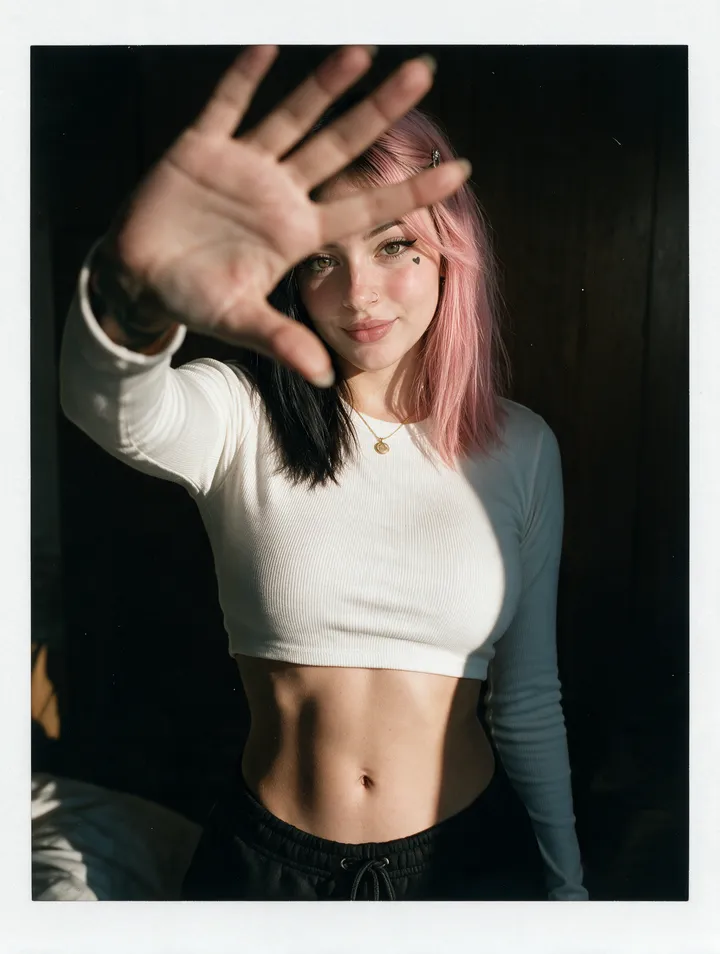
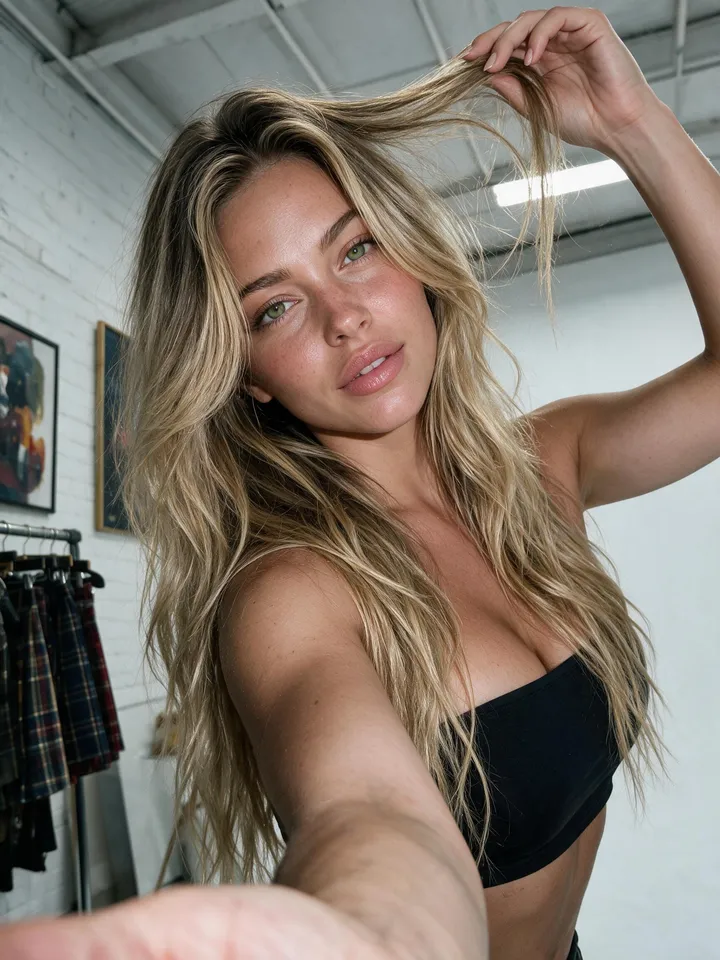
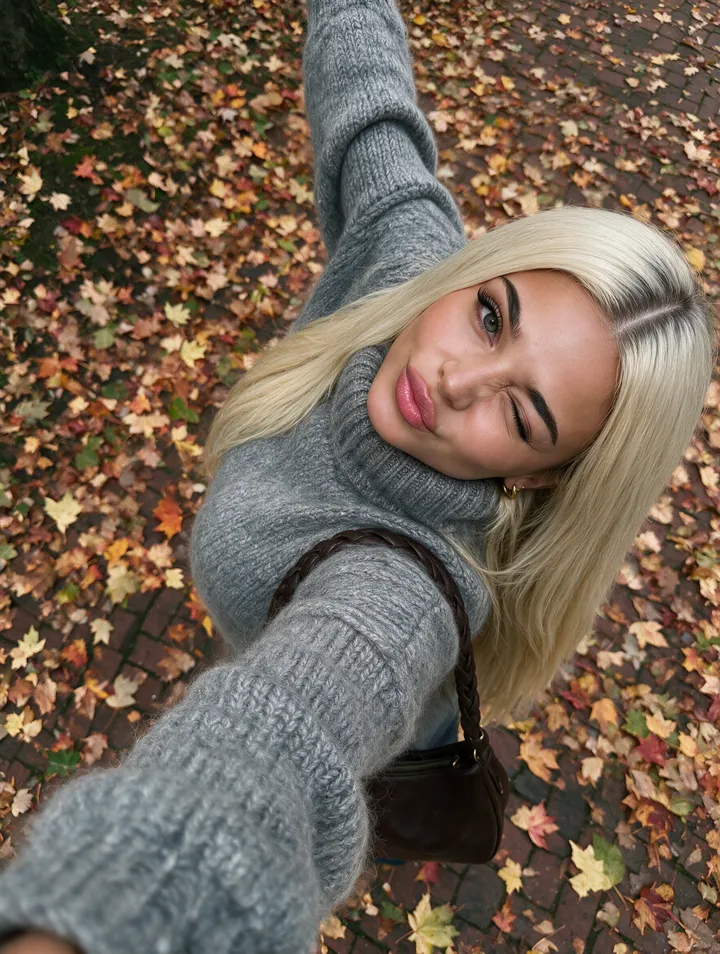
How do I keep an AI model's body and morphology identical across hundreds of photos?
Store the identity once and reuse it: build a character from reference photos that cover the body, then attach that character to every generation instead of describing the person again. On OFMAI the character is created once for 12 credits and reused in every later photo, video and voice note, so the same look, body and morphology carry across the whole library.
Then keep the shot list disciplined. Change one thing at a time — outfit, location, pose, light — and keep the other wording identical, because a generator reads a synonym as a new instruction. Review each batch as a grid: nobody notices drift in a single photo and everybody notices it in a contact sheet.
Prompting harder does not work. Adjectives narrow a description, they never name an individual.
Why can't a prompt hold a body shape?
A text description defines a category. "Woman, late twenties, athletic, dark hair" still covers millions of people, and an image model starts each generation from fresh noise, so it picks a different one every time. Run the prompt thirty times and you get thirty relatives, not one person on a thirty-shot call sheet.
Body proportions suffer worst: height, shoulder-to-hip ratio, limb length and build ride on a few vague adjectives, and they are what an audience reads first when deciding whether two photos show the same person. Seeds and one-off references only reduce the drift — a seed gives the same image back, not an identity you can place in a new scene.
What are the four methods, and which one survives hundreds of photos?
Stored character. Reference images are saved once as a reusable subject and called on every later generation: no training run, persists between sessions, same object every time. This is OFMAI's approach, and what the campaign guides recommend for repeated work — Kive's guide to holding one model across a campaign, read in October 2026, puts a saved character first.
Trained adapter. A LoRA or DreamBooth run on an open-weight checkpoint: highest ceiling for an unusual look, and the weights are yours. The cost is setup — getimg.ai's 2026 consistency guide, read in October 2026, puts it at 15 to 30 curated images plus hours of training per character, and you then maintain the stack yourself: a Stable Diffusion install, ComfyUI or Forge graphs, a GPU.
Reference-image conditioning. An approved identity image attached to each generation: strong inside a session, but nothing is stored. Midjourney's current edit workflow accepts up to four reference images, per the same Kive guide read in October 2026.
Locked prompt template. Fixed wording, colours and framing, reused verbatim. Free, and better than improvising, but both guides rank it last: text alone cannot pin a body.
How do you build the character on OFMAI, and what does volume cost?
You design the character from a text description, or build it from 3 of your own reference photos — a portrait, a front view and a back view — with no training step. Those three cover the whole body rather than only the head, which is what a morphology question needs.
Creating one from scratch costs 12 credits end to end: 6 for the batch of candidates and 6 to confirm your choice and generate the reference angles. A photo of that character then costs 2 credits; video starts at 7 credits and rises with resolution and length.
Do the volume arithmetic before the shoot. Pro is 100 credits for $24.99 a month, or 50 photos; Agency is 1000 credits for $149.99 a month, or 500 photos of the same character. On Starter — $9.99 for 30 credits — a photo is about $0.67. Purchased credits never expire, subscription credits renew monthly, and failed generations are refunded automatically. It all runs in the browser: no GPU, no install, nothing to update.
How do you test for drift before you commit to a shot list?
Produce a small batch first and judge it as a set. Kive's campaign guide, read in October 2026, recommends a six-frame trial reviewed as a grid, spread across very different lighting — holding a body under similar conditions is the easy case — and checks details at 200% zoom. Keep the frames you approved as the standard for later batches.
Three failure patterns need different fixes, and getimg.ai's 2026 guide, read in October 2026, names all three: identity drift (the body itself moving, meaning the character or reference set is too weak), attribute bleed (a detail from one part of the prompt landing somewhere else) and pose degradation (anatomy falling apart in an unusual position). Only the first is solved by storing the character better.
Where does consistency still break, and when is OFMAI the wrong tool?
Small details drift after the body is holding: hands, teeth and jewellery are what Kive's guide, read in October 2026, still puts up for review once the main likeness is stable. The same guide notes that a front-only reference set holds extreme angles poorly, so the references have to cover the angles the shot list needs. And rights never come with a likeness: a character built from a real person's photos has to be you or someone who authorised it.
If you want the weights on your own disk, train an adapter and run it locally with Stable Diffusion, ComfyUI or Forge: offline control and no per-image cost, paid for in hardware and maintenance. OFMAI is the opposite trade. For a distinctive art style rather than one recurring person, a general-purpose generator like Midjourney fits better — and if nobody recurs in the images at all, a stored character buys you nothing.
What does a repeatable workflow look like for a 200-shot campaign?
Brief the references like a casting. Decide the look, the build and the angles the campaign will need before you shoot or describe anything — Kive's campaign guide, read in October 2026, treats the reference set as a casting decision rather than a technical step. Create the character once, run the six-frame trial, and only sign off the shot list when that grid holds.
Then write the shot list so each entry changes one variable against a fixed description of everything else, and work through it in batches you review as grids. When the list starts needing angles or framing the references never covered, build new references instead of prompting around the gap; the same guide recommends redoing them once the shot list outruns them. Finally, do the plan arithmetic before the first batch rather than halfway through: at 2 credits a photo, 200 shots is 400 credits plus 12 for the character, which tells you the plan and the top-ups the campaign needs up front.
The four methods at a glance
- Method: stored character — Input: reference photos saved once as a reusable subject — What it holds: the body across hundreds of photos, and it persists between sessions — Effort: no training. OFMAI: 12 credits per character, 2 per photo.
- Method: trained adapter (LoRA / DreamBooth) — Input: 15 to 30 curated images per character, per getimg.ai's 2026 guide read in October 2026 — What it holds: the highest ceiling of the four, and the weights are yours — Effort: hours of training per character, plus a GPU and a local stack.
- Method: reference-image conditioning — Input: one approved identity image per generation — What it holds: a likeness inside a single session, and nothing after it — Effort: an image to attach every time, and a front-only reference set holds extreme angles poorly, per the same Kive guide read in October 2026.
- Method: locked prompt template — Input: fixed wording reused verbatim — What it holds: the weakest of the four, and the first to break at volume — Effort: none, and no cost.
- Whichever you pick: one variable per shot, review each batch as a grid, check details at 200% zoom.
OFMAI in numbers
- creators signed up
- 10,000+
- photos and videos generated
- 60,000+
- videos generated
- 8,700+
Frequently asked questions
How do I keep an AI model's body and morphology identical across hundreds of photos?
Store the identity once as a reusable character built from reference photos that cover the body, attach it to every generation instead of re-describing the person, and change only one variable per shot. On OFMAI the character costs 12 credits once and is reused in every later generation, so the same look, body and morphology carry across the library.
How many reference photos do I need?
On OFMAI, 3: a portrait, a front view and a back view. Other routes ask far more — getimg.ai's 2026 guide, read in October 2026, puts LoRA or DreamBooth training at 15 to 30 curated images per character.
Do I have to train a model?
Not on OFMAI: the character is built from your 3 reference photos with no training step. Training your own adapter is a real alternative if you want to own the weights, at hours per character plus a local stack.
Can I change the outfit, pose and location and still get the same body?
Yes — that is the point of a stored character: you write the scene, not the person. Change one variable at a time and keep the other wording identical, because a generator reads a synonym as a new instruction.
Does the morphology hold in video too?
One character is reused across photos, video and voice notes, so the body you approved in the stills is the body in the clips. Video starts at 7 credits and rises with resolution and length.
How many photos can I get for a month's credits?
A photo is 2 credits, so Pro's 100 credits a month is 50 photos, Business's 300 credits for $49.99 is 150 photos, and Agency's 1000 credits is 500. Top-ups exist on every plan and purchased credits never expire; subscription credits renew monthly.
Can I build a character from photos of a real person?
Only if that person is you or has explicitly authorised it. Building a character from someone's photos without their consent is prohibited, and no tool resolves the rights question for you.
Related: AI character generator · AI model generator · Build a character from your own photos · Guide: consistent AI characters · OFMAI pricing
OFMAI generates synthetic imagery. Uploading photos or cloning the voice of a real person requires that person's explicit consent, enforced by automated and human moderation. Disclose AI-generated content wherever the platform you publish on or applicable law requires it.