How to Generate AI Photos of Two Different Characters in the Same Scene
By Marcus, AI generation expert at OFMAI · Updated
Generate each character on its own, then bring the two together in a second step: one prompt asking for both rarely holds either likeness, because the mechanisms that lock a look and a body work on one subject at a time. Leonardo's help centre states that "only a single image can be used for Character Reference at one time" (Leonardo.Ai, Image Guidance, read 9 November 2026), and Scenario, whose multi-character guide composes two trained character models into one, still warns that features from the two characters "may occasionally blend together" (Scenario help centre, read 9 November 2026).
So the question is where the two meet: in one generation, in one composed model, in one reference image containing both, or in a composite you repair. All four are below. OFMAI covers the step every route needs — each character built once and reused in every generation, same look, body and morphology in each output. A character is 12 credits, a photo 2, an image edit 2: two characters, a shot of each and one edit is 30 credits, exactly one month of Starter (30 credits for $9.99).
How do I generate an AI photo of two different characters together?
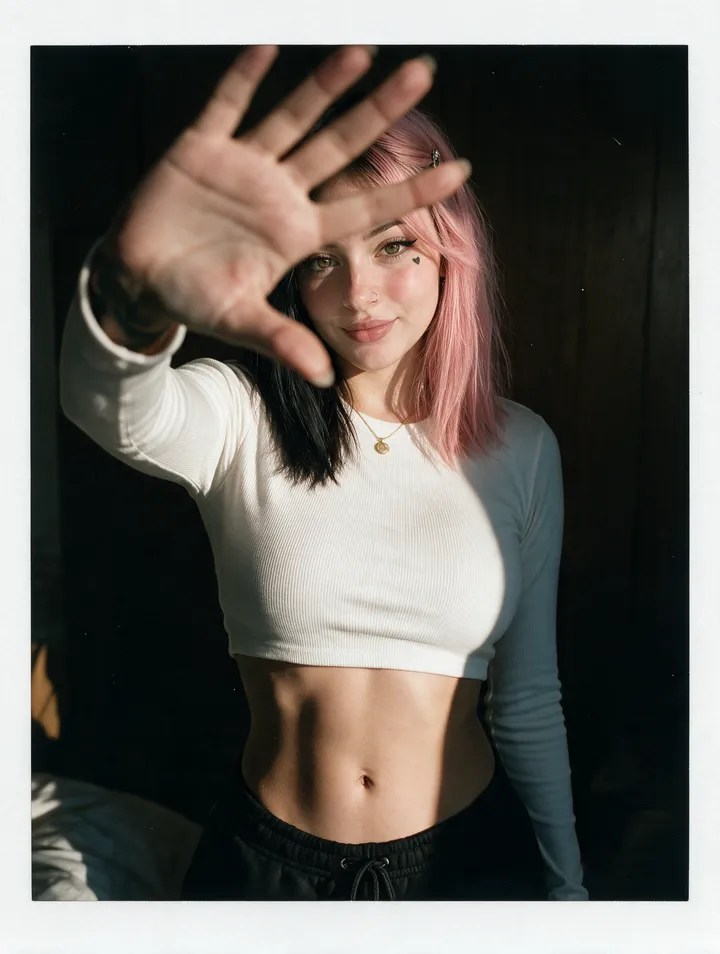
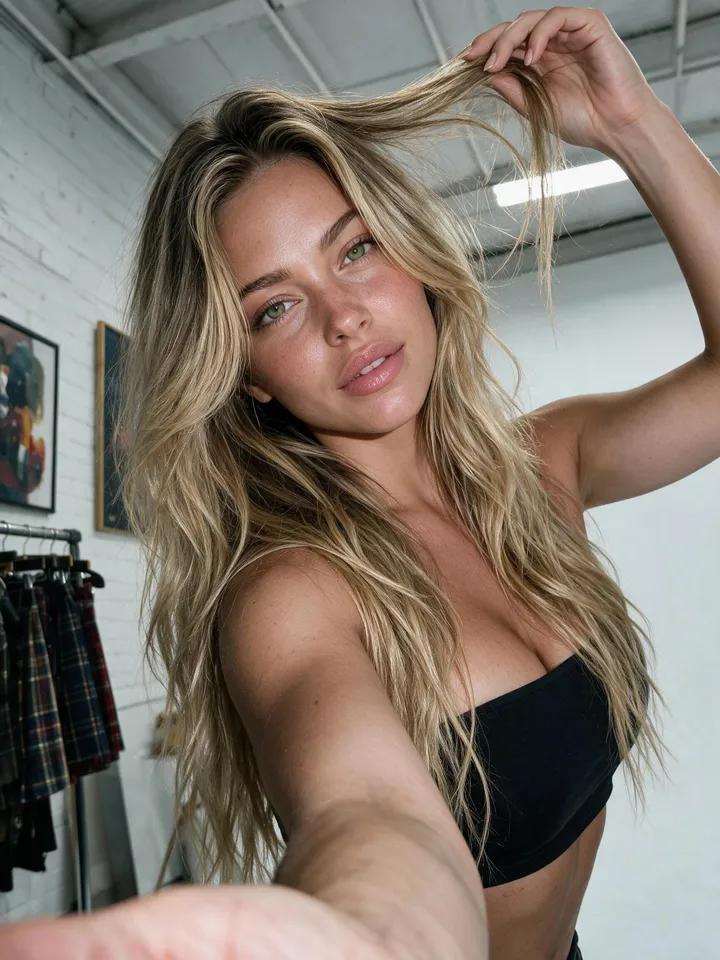
In two stages. First lock each character, so each one is reproducible on demand instead of re-invented by every prompt. Then pick one of four ways to put them in one frame: a single multi-subject generation, two character models composed into one, one reference image that already contains both, or two separate shots composited and repaired at the seam.
Which stage fails tells you which route you need. If the two people look nothing like your characters, the problem is stage one and no prompt surgery fixes it. If each one is right but they will not share a frame, it is stage two, and the composite is usually the cheapest answer: you already have both shots and only have to make them agree on light and camera.
Why does one prompt blend two characters into one person?
Because a prompt describes a type of person, not a specific one, and identity in these models is global rather than per-subject. "A tall woman with short red hair and a shorter woman with long dark hair" is one bundle of attributes applied to one image: the red hair lands on the wrong head, or the two looks converge on an average. Scenario reports the same for composed models and fixes it with a mask per character plus the other character's model influence set to zero — not with a longer prompt (read 9 November 2026).
Reference-based consistency has the same shape: it reproduces the likeness in the reference, and tools gate it to one reference at a time (Leonardo.Ai, Image Guidance, read 9 November 2026). Midjourney's Omni Reference is the exception worth testing — The Decoder's launch write-up reports that "the system supports multiple references simultaneously", including two characters from different images "as long as both are mentioned in the prompt", with strength set by --ow from 0 to 1000, default 100 (2 May 2025). One dial still governs both identities.
What are the four routes, and which one holds both likenesses?
One prompt in a general generator — Midjourney, Leonardo or a local Stable Diffusion setup: no setup, no likeness held — keep it for crowds, silhouettes and layout tests. Two character models composed into one: the most control and the most work. Scenario documents it step by step — create a new model, choose "Compose Models", select two trained character models, prompt each character separately, then correct blending with a mask and per-model influence (read 9 November 2026). It needs a trained model per character before you start.
One reference image containing both: composite a single image showing both characters, pass it as the reference and name both in the prompt (reported for Omni Reference, The Decoder, 2 May 2025). Fast when it lands, hard to debug when it does not. Composite then mask and edit: shoot character A in the scene, shoot character B in the same scene, combine them in any editor, then repair the seam, the shadows and the contact points by masking only those areas. ComfyUI's inpainting documentation gives the reason to prefer a mask over a reroll — "simply regenerating might produce a completely different image" (read 9 November 2026). This is the route that survives a real shot list: each character stays as approved, and only the joins are negotiable.
How do you lock each character, and what does a set cost?
On OFMAI a character is a stored asset, not a prompt. You build it once — from 3 of your own reference photos, a portrait, a front view and a back view, with no training and ready in minutes, or designed from a text description — and it is reused in every generation, so the same look, body and morphology carry from shot to shot. That is what makes the composite route practical: the two halves have to stay the same people across a whole set, not just in one lucky pair.
The arithmetic: 24 credits for two characters, 2 per photo, 2 per edit. A first finished frame is 30 credits — about $9.99 on Starter ($9.99 for 30 credits) and $4.50 on Agency ($149.99 for 1000) — and every frame after that is 6 credits, because the characters are not rebuilt. Six poses of each is 24 credits. Annual billing saves 25%; subscription credits renew monthly and purchased top-up credits never expire.
How do you make two separate shots look like one scene?
Decide the frame before you generate either half, then describe that frame twice: same room, same time of day, same light direction, same camera height and distance, same resolution, and space left in each shot where the other person will stand. Shots generated at matching scale composite far more cleanly than a close-up dropped into a wide.
Then fix the three things that give a composite away — the edge, the shadows and the contact points. An eyeline that misses, a shadow falling the wrong way, a hand resting on nothing: small local flaws, which is what an edit is for. On OFMAI an image edit is 2 credits against 2 for a fresh photo, and a failed generation is refunded automatically.
When is OFMAI the wrong tool for a two-character scene?
When the two people do not need to be anyone in particular. For a generic couple on a sofa once, a general image generator does it in one prompt for less effort than building two characters: OFMAI is built around a recurring character, not one-off images, and it is not a general design or stock-photo tool. It is also the wrong tool if you want per-character masks and numeric influence weights inside one generation — that is the composed-model route Scenario documents, or a local Stable Diffusion stack in ComfyUI, both of which want a trained model per character and, locally, your own hardware.
Video deserves the same caution: two identities to hold across every frame instead of one. OFMAI's video step animates a still — a 5-second clip is 7 credits at 480p, 13 at 720p, 25 at 1080p — so the pattern that holds up is one character per clip with cuts between them, and a two-character still for the moment they share the frame.
Four routes to two characters in one frame
- One prompt, general generator (Midjourney, Leonardo, a local Stable Diffusion setup) - no setup, no likeness held; both characters are re-invented each time.
- Two composed character models - most control, most setup: compose two trained character models, prompt each character separately, then mask each one with the other model's influence at zero (Scenario help centre, read 9 November 2026).
- One reference image containing both - reported to work with several references at once on Omni Reference, both characters named in the prompt, strength --ow from 0 to 1000, default 100 (The Decoder, 2 May 2025).
- Composite then mask and edit - shoot each character in the same scene, combine, repair the seam; a mask changes only what you marked, where regenerating "might produce a completely different image" (ComfyUI inpainting documentation, read 9 November 2026).
- The step every route needs - each character reproducible first. On OFMAI a character is built once from 3 reference photos or from a description and reused in every generation: 12 credits a character, 2 a photo, 2 an edit.
- First finished frame on OFMAI - 30 credits, about $9.99 on Starter, then 6 credits per frame.
OFMAI in numbers
- creators signed up
- 13,000+
- photos and videos generated
- 72,000+
- videos generated
- 11,000+
Frequently asked questions
How do I generate AI photos of two different characters together in the same scene?
Lock each character first, then combine them: one prompt asking for both rarely holds either likeness. Four routes work - a single multi-subject generation (no likeness held), two character models composed into one, one reference image containing both, or two shots of the same scene composited and repaired with a mask. On OFMAI each character is built once from 3 reference photos or from a description for 12 credits and reused in every generation, so photos of both at 2 credits each stay on model; the pairing is then a composite repaired with an edit at 2 credits.
Why do my two AI characters merge or swap features?
Because a prompt applies one bundle of attributes to the whole image, so hair and build land on the wrong person, and because reference-based likeness works on one subject at a time. Scenario reports the same for composed models - features from the two characters "may occasionally blend together" - and fixes it with a mask per character plus the other character's model influence set to zero, not with a longer prompt (read 9 November 2026).
Can Midjourney or Leonardo put two different characters in one image?
Leonardo gates it: "only a single image can be used for Character Reference at one time" (Leonardo.Ai, Image Guidance, read 9 November 2026), so a second character comes from the prompt or a later edit. Midjourney's Omni Reference is the more promising route - The Decoder's launch write-up reports several references at once, including two characters from different images as long as both are named in the prompt, strength --ow from 0 to 1000, default 100 (2 May 2025). One dial still governs both identities, so test it before planning a set around it.
Does OFMAI generate two characters in one photo from a single prompt?
No. OFMAI is built around one recurring character: you build a character once and it is reused in every generation, with the same look, body and morphology in each output. For a two-character frame it covers the step the other routes get wrong - each character reproducible on demand at 2 credits a photo - and the two halves are combined and repaired with an edit at 2 credits. For two anonymous people in one frame from one prompt, a general image generator is the better tool.
How much does a two-character shoot cost on OFMAI?
24 credits for the two characters, then 2 per photo and 2 per edit. A first finished frame is 30 credits - about $9.99 on Starter ($9.99 for 30 credits) and $4.50 on Agency - then 6 credits per frame. Failed generations are refunded automatically.
Can I put two characters in the same AI video?
It is the hardest version of the problem: two identities to hold across every frame. The pattern that holds up is one character per clip with cuts between them, and a two-character still for the moment they share the frame. On OFMAI a 5-second clip is 7 credits at 480p, 13 at 720p and 25 at 1080p, so draft at 480p and spend 25 only on the take you keep.
Related: AI character generator · Keep a body and morphology consistent · Fix a character whose look drifts · OFMAI pricing and credits · Dress a character for winter and keep her build · Move a finished shot to a new location
OFMAI generates synthetic imagery. Uploading photos or cloning the voice of a real person requires that person's explicit consent, enforced by automated and human moderation. Disclose AI-generated content wherever the platform you publish on or applicable law requires it.
Two characters, both reproducible, 2 credits a photo
Build each character once from 3 of your own photos or from a description, then shoot both as often as the scene needs: the same look, body and morphology come back in every generation. A character is 12 credits, a photo 2, an image edit 2, and plans start at $9.99 a month for 30 credits. Failed generations are refunded automatically.