
How to Change the Background of AI Model Photos Without Breaking Consistency
By Marcus, AI generation expert at OFMAI · Updated
Edit the photo you already approved instead of asking for the scene again, and keep the model out of that prompt. A background is a local change: hold the frame, replace only the area behind her, and describe nothing but the new environment, because any sentence that mentions her gives the model permission to redraw her. On OFMAI that is an image edit at 2 credits on any photo you have already generated — a background, an outfit or a single detail, with the rest of the shot intact.
The second reliable route is to keep the person in storage rather than in words: a character built once and reused in every generation, so a new location is just a new scene at 2 credits. Below: why the person moves when only the room was supposed to, what to lock first, the four routes and their costs, the mask and denoise numbers, how to make the shadows agree, and how to check a batch.
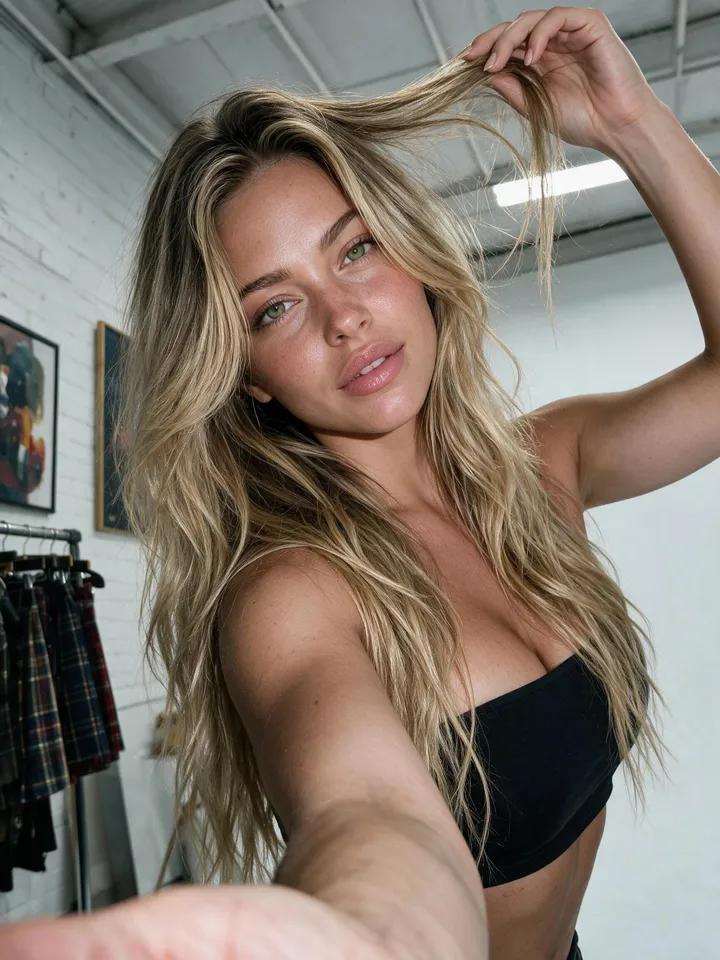
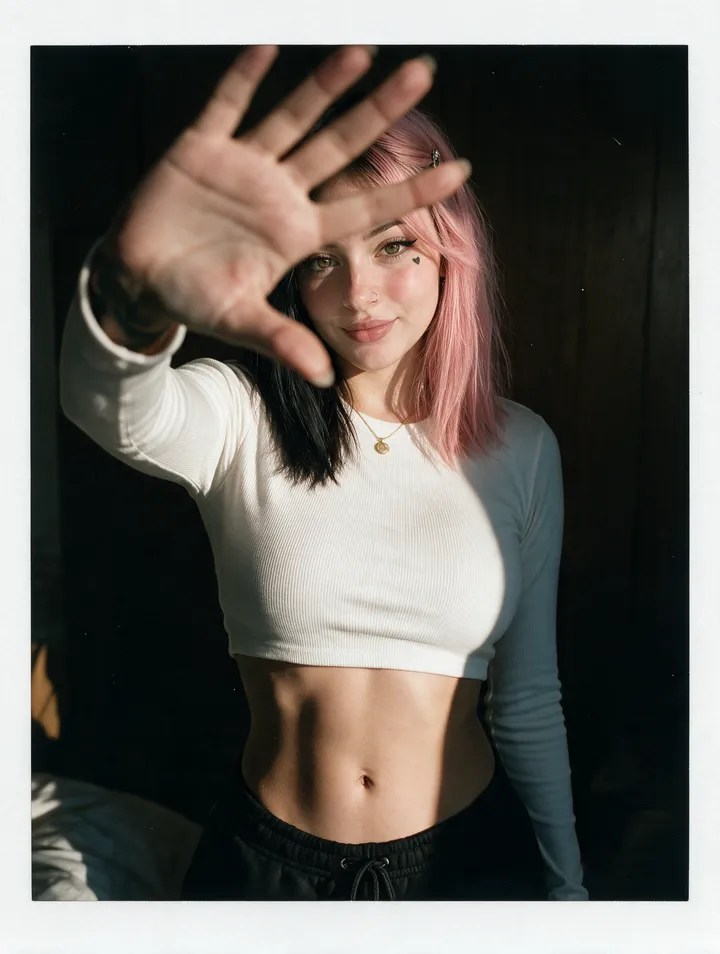
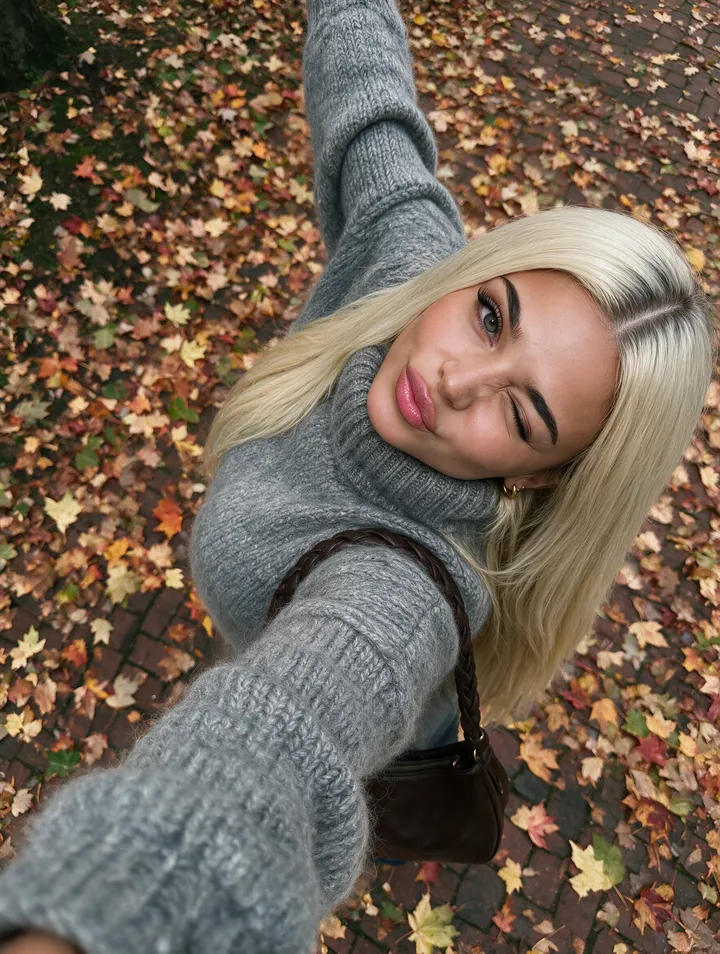
How do I change the background of AI model photos without breaking consistency?
Treat it as one scoped edit on an existing image, not a new generation. Mask or address only the background, describe only the new environment, list what must not move, and do nothing else in that pass — on OFMAI an image edit costs 2 credits and changes a background while keeping everything else in the shot intact.
That ordering is the backbone of jracademy.ai's chapter on image editing and style consistency, read in November 2026: lock what should not change first, then change only one decision layer at a time. Its own exercise is this question exactly — take an existing image, do not regenerate it, keep the subject, change only the background, output three variants and compare.
If you want a genuinely new photo rather than an edited one, store the person instead of describing her. OFMAI builds one character — from 3 of your own reference photos, with no training, or designed from a text description — and reuses it across every photo, video and voice note, so the same look, body and morphology carry into any location at 2 credits a photo.
Why does changing the background change the person?
Because in most tools the person was never stored anywhere. She exists only as the words you typed, so a prompt with a new location in it is a new prompt, and a new prompt returns a near-relative: same category, different individual. Nothing drifted — she was re-invented.
The second cause is scope. jracademy.ai's chapter, read in November 2026, names the common failure outright: changing background, expression, clothing, composition and lighting in a single pass. Its table of crash points is blunt about the result — more edits, less like the original, caused by too many layers changed at once, fixed by splitting the work into two rounds. Describing the subject and the new environment together is what makes the model redraw the subject; in its own example the instruction is to describe only the new environment.
The third is the mask. apatero.com's guide to fixing AI backgrounds, published 2 January 2026, says halos mean the mask sat too close to the subject, and its FAQ tells you to include 5 to 10 pixels of the subject inside the mask on purpose.
What should you lock before you touch the background?
Write the list down before the first edit, because a tool cannot preserve what you never named. jracademy.ai's chapter, read in November 2026, has a fixed order — product shape, logo and typography, character identity, brand palette, composition hierarchy — and a six-step flow that puts the decision second: base image, decide what must stay, mask or reference setup, single-purpose edit, consistency check, export variants. Its brief template is three words: Goal, Keep, Change.
For a creator photo, the Keep list is the model and the camera. Nightjar's help-desk answer on changing a background while keeping shadows realistic, published 11 December 2025 and last reviewed 19 August 2026, gives the wording: limit the change to the background and the floor, name what stays unchanged — the person, the pose, the crop, skin tone, hair, clothing and the direction of the light — then ask for the contact and cast shadows to be kept with their colour adapted to the new surface, and the old background's colour spill removed without flattening the subject's shading.
One line earns its place on that list: the lens. Focal length and depth of field read as part of a person's look, so a swap that quietly widens the shot makes her look like a different model even when every feature survived.
What are the four routes to a new background, and what does each cost?
Route one, edit the image you already have. The pose, expression and light you approved all survive and only the room changes. On OFMAI it is 2 credits, the same as a photo at 2 credits, so the saving is not in credits but in not losing a frame you had already signed off. Failed generations are refunded automatically.
Route two, regenerate the scene against a stored character — better when you want a real new shot rather than the same frame with new wallpaper. It only works if the identity is stored: on OFMAI a character is 12 credits end to end, 6 for the batch of candidates and 6 to confirm your pick and generate the front and back reference views, after which each photo in any location is 2 credits.
Route three, inpaint it yourself in Stable Diffusion: the most control and the most work. apatero.com's guide, published 2 January 2026, is precise about this case — mask everything except the character, denoise 0.85 to 0.95, describe the background in detail, then run a separate edge-cleanup pass, repairing with the same model and settings that made the image. Cost is a GPU, a working A1111 or ComfyUI setup and roughly 15 to 30 minutes an image on its own standard workflow.
Route four, cut out and composite, then rebuild the shadows by hand: for a background you must match exactly, or a brand plate you may not regenerate. It is the only route where the subject's pixels are untouched, and the only one where grounding is entirely your problem. What does not work is re-prompting the location in a general-purpose generator such as Midjourney and hoping she comes back — those tools are strongest inside a single image, at art direction, style and composition, not at holding one individual across a series.
What mask and denoise settings actually hold the subject?
If you are inpainting, mask blur and denoise decide the result, and apatero.com's guide, published 2 January 2026, gives usable bands. Mask blur: 0 leaves visible seams, 4 to 8 pixels is still detectable, 16 to 32 pixels is optimal with 24 a sensible default, and 48 or more damages what you meant to keep — scaled to resolution, so 16 pixels at 512 is roughly 32 at 1024. Denoise: 0.2 to 0.3 barely changes anything, 0.4 to 0.5 is a light cleanup that keeps structure, 0.6 to 0.7 is moderate, 0.8 to 1.0 is a full regeneration. A typical background fix sits at 0.5 to 0.7; a full replacement behind a character goes to 0.85 to 0.95.
Then clean the edge in its own pass, which is where the believability comes from: mask only the edge with a thin brush at 8 to 12 pixels of blur, 0.4 to 0.5 denoise and 25 or more steps, over two or three gentle passes. apatero.com's workflow finishes with a style-unification pass over the whole image at 0.15 to 0.2 denoise, then a review at 100 percent zoom.
None of those numbers apply if you are not running the sampler. On a hosted editor the equivalent lever is the wording: scope the request to the background and the floor, name the Keep list, change one thing per round. The failure mode is identical either way.
How do you make the light and the shadows match the new background?
Change the background and the floor together, not just the wall. Nightjar's help-desk answer, published 11 December 2025 and last reviewed 19 August 2026, separates three things people treat as one: the contact shadow, the tight darkest area where shoes, hems or props meet the floor; the cast shadow, which travels away from the subject and tells the viewer the direction, height and softness of the light; and reflections, which on a glossy floor follow the camera angle and the material. Keep or rebuild all three, with their colour adapted to the new surface.
Its checks are quick. Grounding: feet, hems and held objects meet the floor cleanly, with no gap, no dark cut-out rim and no doubled shadow. Direction and softness: the shadows agree with the highlights on hair, clothing and skin — a hard shadow beside broad soft light is the clearest tell of a composite. Edges: flyaway hair, fingers and lace carry no halo and no leftover colour from the old room. Transparent and reflective materials show the new environment, not the old one; if they do not, the mask failed.
jracademy.ai's chapter, read in November 2026, adds the finishing move for a set: generate three or four background variants, then unify shadow and colour grade across all of them at the end. A series graded once reads as one shoot; a series graded image by image reads as a collage.
How do you check a batch, and when is OFMAI the wrong tool?
Judge the set, never the frame. jracademy.ai's chapter, read in November 2026, reviews four to six images at once against a checklist: does this edit have one primary goal, did the product, logo or character identity change by accident, does the image match the rest of the series, is there room for copy. Its diagnosis for a drifted series is the one to keep — if each image has its own prompt, the fix is the reference system, not the images. That is the argument for storing the character once, on OFMAI 12 credits, then editing backgrounds at 2 credits against something that cannot drift.
Plans start at $9.99 a month for 30 credits; Pro is 100 credits for $24.99 a month, or 50 photos of one character, and Agency is 1000 credits for $149.99 a month for several personas. Subscription credits renew monthly; purchased top-up credits never expire.
OFMAI is the wrong tool in three cases. If you want pixel-exact control over the mask, the sampler and the seed, or the weights on your own disk, inpaint it yourself with Stable Diffusion and ComfyUI: a higher ceiling, paid for in a GPU and in your evening. If you want a striking one-off image or a distinctive art style rather than one recurring person in many rooms, a general-purpose generator such as Midjourney or Leonardo is the better instrument. And OFMAI makes the content, not the distribution: no scheduler, no publishing hub, no stock library — you generate, export and post where you already publish.
The four routes at a glance
- 1. Edit the photo you already approved — Keeps: pose, expression, light, framing and the person — Cost: 2 credits — Fails when: the new scene needs a different pose or focal length
- 2. Regenerate against a stored character — Keeps: the same look, body and morphology, in a genuinely new shot — Cost: 12 credits once, then 2 per photo — Fails when: you use the character only a handful of times
- 3. Inpaint it yourself in Stable Diffusion — Keeps: whatever your mask protects, with total control — Cost: a GPU and 15 to 30 minutes an image — Fails when: you skip the edge pass or switch model between generation and repair
- 4. Cut out and composite — Keeps: the subject's pixels exactly — Cost: manual time per image — Fails when: grounding and light direction are not rebuilt by hand
- Does not work: re-prompting the location in a general-purpose generator — a new prompt returns a different individual, however detailed the description
- Whichever route: lock the Keep list first, one layer per pass, subject out of the background prompt, grade the set together at the end
OFMAI in numbers
- creators signed up
- 13,000+
- photos and videos generated
- 72,000+
- videos generated
- 11,000+
Frequently asked questions
How do I change the background of AI model photos without breaking consistency?
Edit the image you already approved rather than prompting the scene again, and keep the model out of that prompt: scope the change to the background and the floor, name everything that must stay, change nothing else. On OFMAI an image edit is 2 credits and changes a background while leaving the rest of the shot intact; for a genuinely new shot, generate it against a stored character at 2 credits.
Why does the person change when I only changed the location in my prompt?
Because the person only ever existed as your words, and adjectives define a category rather than an individual, so a prompt with a new location returns a near-relative. The cure is to store the identity instead of describing it: on OFMAI a character is built once for 12 credits and reused in every later photo, video and voice note.
Is it cheaper to edit the background or to generate a new photo?
On OFMAI they cost the same: an image edit is 2 credits and a photo is 2 credits. The real saving in editing is that you keep a pose, an expression and a light you had already approved instead of gambling on them again. Failed generations are refunded automatically either way.
What denoise and mask blur should I use to replace a background in Stable Diffusion?
apatero.com's guide to fixing AI backgrounds, published 2 January 2026, puts a full background replacement behind a character at 0.85 to 0.95 denoise with everything except the character masked, and an ordinary background fix at 0.5 to 0.7. Mask blur is optimal at 16 to 32 pixels, 24 as a default, scaled to resolution. Then run a separate edge pass at 8 to 12 pixels of blur, 0.4 to 0.5 denoise and 25 or more steps.
Why do my background swaps look pasted on even when the model is intact?
Usually the shadows. Nightjar's help-desk answer, published 11 December 2025 and last reviewed 19 August 2026, has you change the background and the floor together and rebuild both the contact shadow where the model meets the ground and the cast shadow that shows the light's direction, with their colour adapted to the new surface. A hard shadow under broad soft light, a dark rim at the edges, and transparent materials still reflecting the old room are the three giveaways.
Can I put the same AI model in twenty different locations?
Yes, and that is what a stored character is for. On OFMAI one character is reused across angles, outfits and locations without re-prompting, so twenty rooms is twenty photos at 2 credits rather than twenty attempts to describe the same person. Pro is 100 credits for $24.99 a month, which is 50 photos of that one character.
Should I change the outfit and the background in the same edit?
No. jracademy.ai's chapter on image editing and style consistency, read in November 2026, names changing background, clothing, expression, composition and lighting in one pass as the common failure, and its fix is to split the work into two rounds. Do the background, check it, then do the outfit.
Does the new background hold when I turn the photo into a video?
It holds when the clip is animated from the still you approved rather than described again. OFMAI's video is image-to-video that keeps the same character throughout, from 7 credits, so the location you got right as a photo is the one the clip starts in. Fast or complex motion is still what breaks first.
Related: AI model generator · AI character generator · Fix a character that drifts between generations · Keep a body and morphology identical across photos · Make AI photos look less AI · Hold an outfit consistent across a shoot · Batch a month of content in one sitting · OFMAI pricing
OFMAI generates synthetic imagery. Uploading photos or cloning the voice of a real person requires that person's explicit consent, enforced by automated and human moderation. Disclose AI-generated content wherever the platform you publish on or applicable law requires it.