How to Fix an AI Character Whose Look Drifts Between Generations
By Marcus, AI generation expert at OFMAI · Updated
Stop re-describing the character and start re-using it. Slight drift almost always means the identity lives in your prompt instead of in a stored reference, so every generation quietly re-invents the person; the fix is to anchor each new image to one approved reference set rather than to words. On OFMAI that reference set is a character you build once — from 3 of your own photos or from a description, with no training — and then attach to every later photo, video and voice note, so the same look, body and morphology carry across the whole library.
Below: why a look moves when the prompt did not, how to tell which part moved, the seven fixes from free to a stored character, what to do with the images that already drifted, how video differs, and where drift still wins.
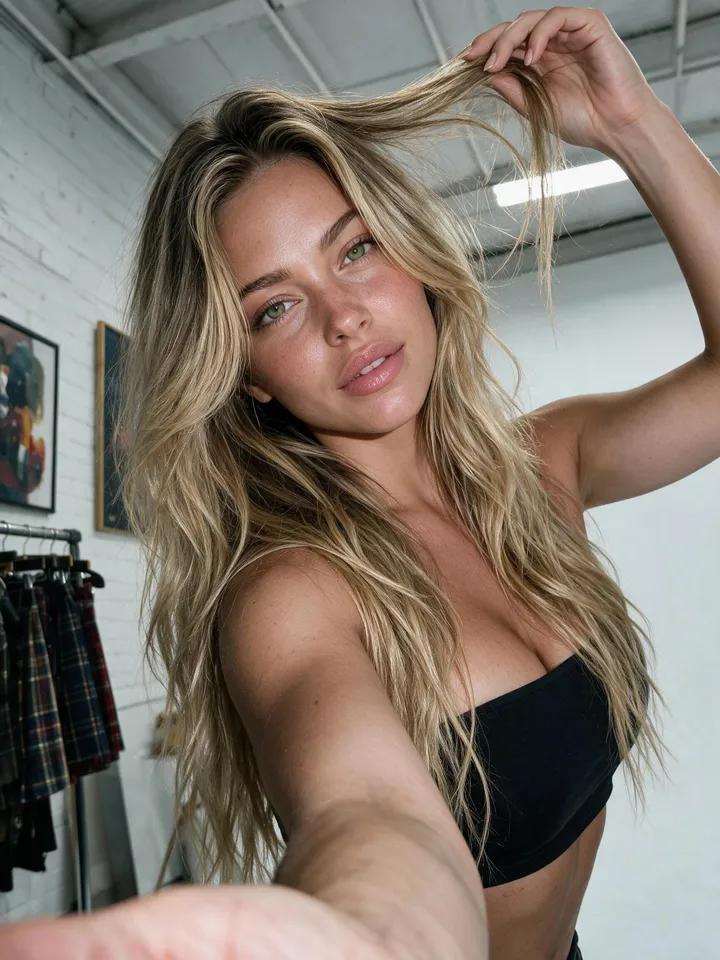
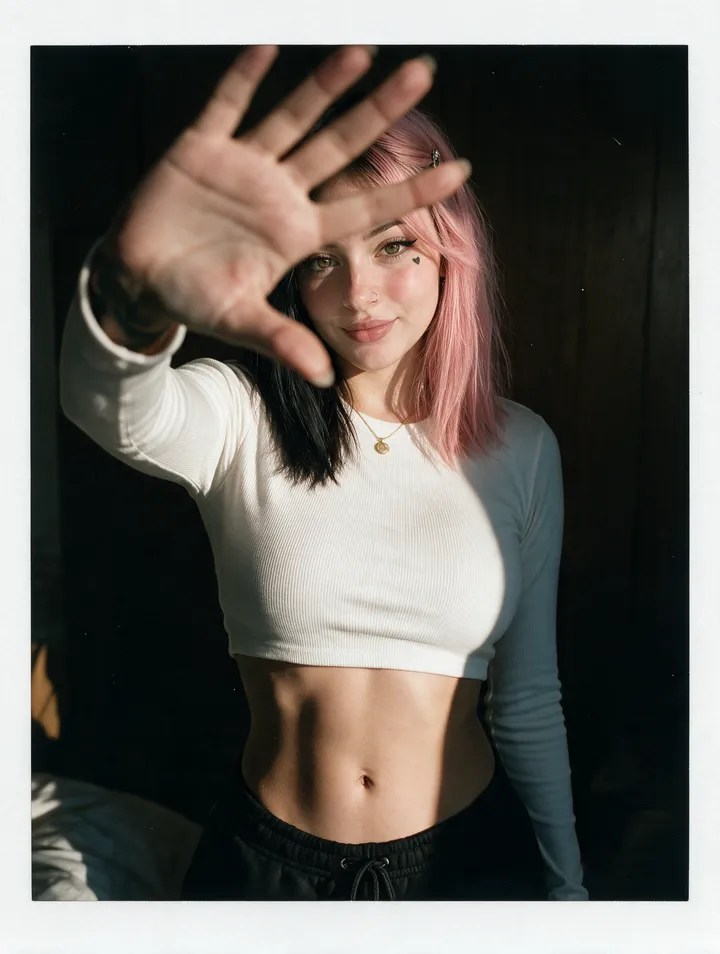
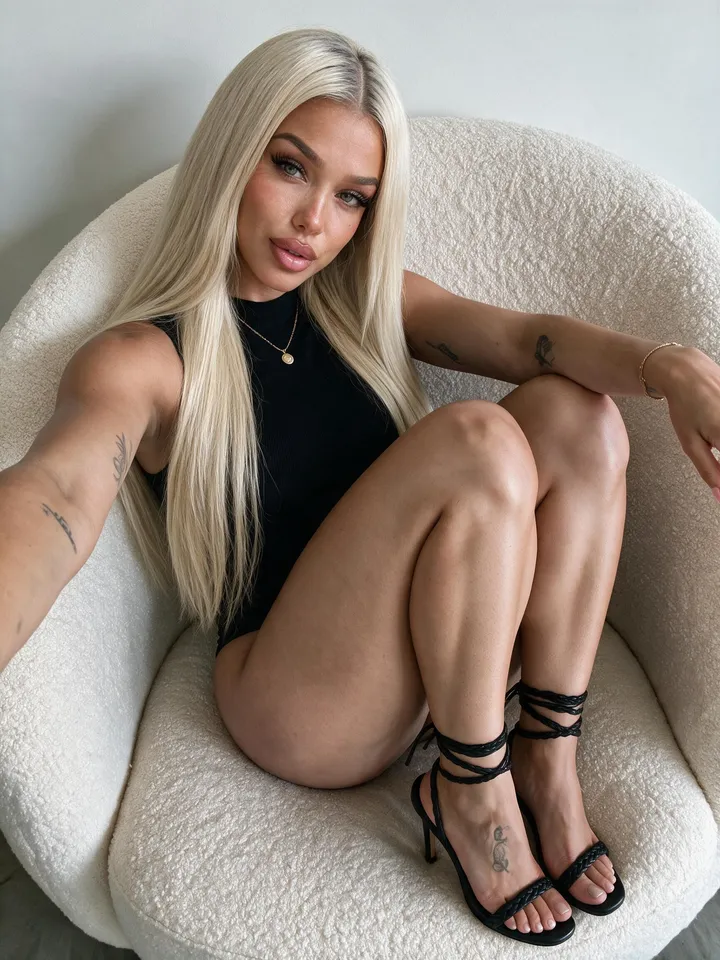
How do I fix an AI character whose look drifts slightly between generations?
Anchor every generation to one approved reference instead of a text description, and change one thing at a time. Slight drift — the same person, a little off — comes from re-describing rather than re-using: adjectives narrow a category, they never name an individual, so the model lands on a near-relative each run. On OFMAI you create the character once for 12 credits and every later photo, at 2 credits, runs against that stored character rather than a fresh prompt.
Two habits do the rest. Anchor to the original approved reference, never to your last output, because errors compound when each image inherits the one before it — neolemon.com's guide to AI character drift, read in November 2026, makes that its second fix. And change a single variable per round, then discard anything that misses your baseline and promote what matches: the loop filmdaft.com's guide to character consistency in AI video workflows, updated 2 October 2026, recommends over re-running a prompt and hoping.
Prompting harder does not work, and it is the first thing most people try.
Why does the look drift when the prompt did not change?
Because nothing was stored. neolemon.com's guide, read in November 2026, names four causes, and they stack: there is no persistent memory between generations, so each run starts from scratch; a random seed gives you similar, not identical, results; whatever the prompt leaves ambiguous gets filled in with the model's own interpretation; and more than one character in a scene multiplies all three.
filmdaft.com's guide, updated 2 October 2026, adds the two that bite at volume. Small differences stack up fast across a series — nobody notices drift in a single image and everybody notices it in a grid of twenty — and motion adds variables, which is why a character that holds across stills starts wandering once it is animated.
Build and proportions drift first and read loudest: height, shoulder-to-hip ratio and limb length ride on a few vague adjectives, and they are what an audience uses to decide whether two photos show the same person.
What exactly drifted, and how do I check before I fix anything?
Judge a batch, not an image. Lay the outputs out as a grid beside the reference you approved and check details at full zoom — the Figma resource-library guide to AI character consistency, read in November 2026, treats the approved reference sheet as the single source of truth, has you compare every new image back to it, and versions filenames so you always know which sheet an image came from.
Then name what moved, because each one has a different fix: build and proportions; hair length and parting; skin tone, often not drift at all but the new lighting; apparent age; jewellery, tattoos and other small markers; and hands and teeth, which keep wobbling after the main likeness is stable. filmdaft.com's guide adds the two that belong to editing — proportions at every transition, and the edges of clothing and accessories.
One check saves a lot of rework: generate three images in three very different lighting setups before you commit to a shot list. Holding a likeness under similar conditions is the easy case, so a reference set that fails there fails everywhere.
What are the seven fixes, from free to a stored character?
Fixes 1 to 3 cost nothing and are the ones to try tonight. Write the look down once — build, hair, features, markers, a default outfit — and paste that wording in verbatim every time; neolemon.com's guide, read in November 2026, puts it first and is clear that it gets you to recognisably the same person and no further. Anchor to one approved image, always the original rather than your previous result: this is where most slight drift actually gets cured. And build a multi-angle reference set rather than one front view — front, back, profile and three-quarter, same lighting and outfit, per filmdaft.com's guide, updated 2 October 2026; the Figma guide has you make that sheet as a single image, because general-purpose tools are more consistent inside one image than across two.
Fixes 4 to 6 are discipline. Lock one style for the whole project, since both guides rank a mid-project style change as a cause of inconsistency in its own right, separate from the character. Keep a prompt template whose character, style and quality blocks stay byte-identical while only action and location change, because a synonym reads as a new instruction. And shoot for stability: medium shots, flat light and little camera movement hold better than wide shots, hard side light and extreme close-ups.
Fix 7 is the one that scales: store the identity instead of describing it. A reusable character, saved once and attached to every generation, is the only fix that survives hundreds of outputs and several sessions. On OFMAI that is 12 credits end to end — 6 for the batch of candidates, 6 to confirm your pick and generate the front and back reference views — built from 3 of your own photos with no training, or designed from a description. If you would rather own the weights, train an adapter yourself on Stable Diffusion and run it through ComfyUI: a higher ceiling, paid for in a GPU, curated images and hours per character.
On the author's own estimate in neolemon.com's guide, read in November 2026, fixes 1 to 6 are a route to roughly 70 to 80 percent consistency in a general-purpose tool — and that author sells a character tool, so treat the figure as a direction, not a measurement. The remaining fraction is what an audience notices.
Can I rescue an image that has already drifted instead of rerolling it?
Often, and it is usually the better trade: a reroll throws away the pose, light and expression you liked along with the drift, while an edit keeps them and repairs the one part that is wrong. The Figma guide, read in November 2026, does exactly this — regenerate only the area that drifted, or composite the correct character back into the frame, rather than starting the shot again.
On OFMAI an image edit costs 2 credits, the same as a fresh photo at 2 credits, so the saving is not in credits but in not losing a shot you had already approved. Failed generations are refunded automatically either way.
The limit is worth being blunt about. If the build or proportions moved, an edit is cosmetic: the reference set or the stored character is too weak, and retouching will not fix the next hundred images. A frame that misses the baseline gets discarded rather than published.
How do I stop drift when the character moves into video?
Approve a still first, then animate it, and do not describe the person again in a video prompt. The Figma guide, read in November 2026, has you approve keyframes and then animate short shots from them; filmdaft.com's guide, updated 2 October 2026, agrees that image-to-video is what improves continuity, because the identity is carried by a picture instead of by words. For a sequence, keep shots short, limit how much the angle changes between them, chain the last frame of one clip into the start of the next, and break a long scene into segments with a fresh anchor. Fast or complex motion still breaks first, so plan around it.
On OFMAI, video is image-to-video that keeps the same character throughout, so a clip starts from your character rather than from a description: from 7 credits at 480p, and 25 credits for a 5-second 1080p clip. The same character carries into voice notes too — the part most people forget until the audio gives the persona away.
Which fix should I start with, and when is OFMAI the wrong tool?
For a handful of images, do fixes 1 to 6 and stop: you will not get value from storing a character you use five times. For a feed, a campaign or a client, go straight to fix 7, and the arithmetic is the argument — at 2 credits a photo, Pro is 100 credits for $24.99 a month, or 50 photos of the same character, and Agency is 1000 credits for $149.99 a month for several personas at once. Plans start at $9.99 a month with 30 credits; subscription credits renew monthly, purchased top-up credits never expire.
OFMAI is the wrong tool in three cases. If you want the weights on your own disk, no per-image cost and offline control, train an adapter and run it locally with Stable Diffusion and ComfyUI — the opposite trade, and a reasonable one. If what you want is a distinctive illustration or art style rather than one recurring person, a general-purpose generator such as Midjourney or Leonardo serves you better, because those tools are built to be stronger within a single image. And OFMAI makes content, not conversations: it is not a CRM, not a messaging tool and not a scheduler, so you generate and export, then post where you already publish.
The seven fixes at a glance
- 1. Written look reused verbatim — Effort: none — Holds: recognisably the same person — Cost: free
- 2. One approved anchor image, always the original — Effort: keep one output — Holds: most slight drift, within a session — Cost: free
- 3. Multi-angle reference set, front to three-quarter — Effort: one sheet — Holds: the angles a front-only set loses — Cost: free
- 4. One locked style for the whole project — Effort: discipline — Holds: the inconsistency that is style, not character — Cost: free
- 5. Prompt template, constants byte-identical — Effort: a file to copy from — Holds: the drift you cause by retyping — Cost: free
- 6. Shoot for stability, one variable per round — Effort: a tighter shot list — Holds: the easy wins, and shows drift early — Cost: free
- 7. Stored character attached to every generation — Effort: build once, no training — Holds: look, body and morphology across hundreds of outputs and sessions — Cost: 12 credits, then 2 per photo
- Whichever you pick: anchor to the original, change one variable at a time, review each batch as a grid, discard what misses.
OFMAI in numbers
- creators signed up
- 10,000+
- photos and videos generated
- 61,000+
- videos generated
- 9,000+
Frequently asked questions
How do I fix an AI character whose look drifts slightly between generations?
Anchor each generation to one approved reference instead of a text description, and change one variable at a time. Slight drift means the identity is being re-described rather than re-used, so the model lands on a near-relative each run. On OFMAI you build the character once for 12 credits and every later photo, at 2 credits, runs against that stored character.
Will a fixed seed stop the drift?
No, it only narrows it. A fixed seed returns the same image from the same prompt; change the pose, outfit or light and the person moves again. neolemon.com's guide to AI character drift, read in November 2026, lists seeds producing similar rather than identical results as a root cause, not as the fix.
Does a longer, more detailed prompt fix it?
No. A description defines a category however long it is: "woman, late twenties, athletic, dark hair" still covers millions of people. Adjectives narrow a category; they never name an individual. Reusing the same wording verbatim does help, and it is the first free fix, but it tops out at recognisably the same person.
How many reference photos does a stored character need?
On OFMAI, 3: a portrait, a front view and a back view, with no training step and ready in minutes. Those three cover the body rather than only the head, which is what proportions and build need. Training your own adapter is a different route and needs far more images.
Can I fix a drifted photo without losing the pose and light?
Yes, that is what an edit is for: an image edit on OFMAI costs 2 credits and repairs the one part that is wrong while keeping the framing, light and expression. It is cosmetic, though — if the build or proportions moved, fix the reference set or the stored character, because the next hundred images will have the same problem.
Does the look hold in video as well as in photos?
It holds when the video starts from an approved image rather than from a description. OFMAI's video is image-to-video that keeps the same character throughout, so a clip is animated from your character: from 7 credits at 480p, and 25 credits for a 5-second 1080p clip. Fast or complex motion still breaks first.
What does it cost to rebuild the character properly?
On OFMAI, 12 credits end to end: 6 credits for the batch of candidates and 6 to confirm your pick and generate the reference views. After that, photos are 2 credits each, so Pro at 100 credits for $24.99 a month is 50 photos of that one character.
Related: AI character generator · Keep a body and morphology identical across photos · Keep a character consistent in video · How many reference photos you need · Build a character from your own photos · OFMAI pricing
OFMAI generates synthetic imagery. Uploading photos or cloning the voice of a real person requires that person's explicit consent, enforced by automated and human moderation. Disclose AI-generated content wherever the platform you publish on or applicable law requires it.