
How to Keep an AI Character Consistent From Photos to Video
By Marcus, AI generation expert at OFMAI · Updated
Your character changes when you move to video because the video step builds the person again from your words, and generative models hold no persistent memory of identity (PC Tech Magazine, read October 2026). The way to stop it is to never let that step invent anyone — animate a still you have already approved, of a character that exists outside the prompt, which is what OFMAI's image-to-video is for: animate one of your own images and the character carries over.
What follows: why drift happens, what to prepare, the order of operations, the checklist, the motion, the tools.
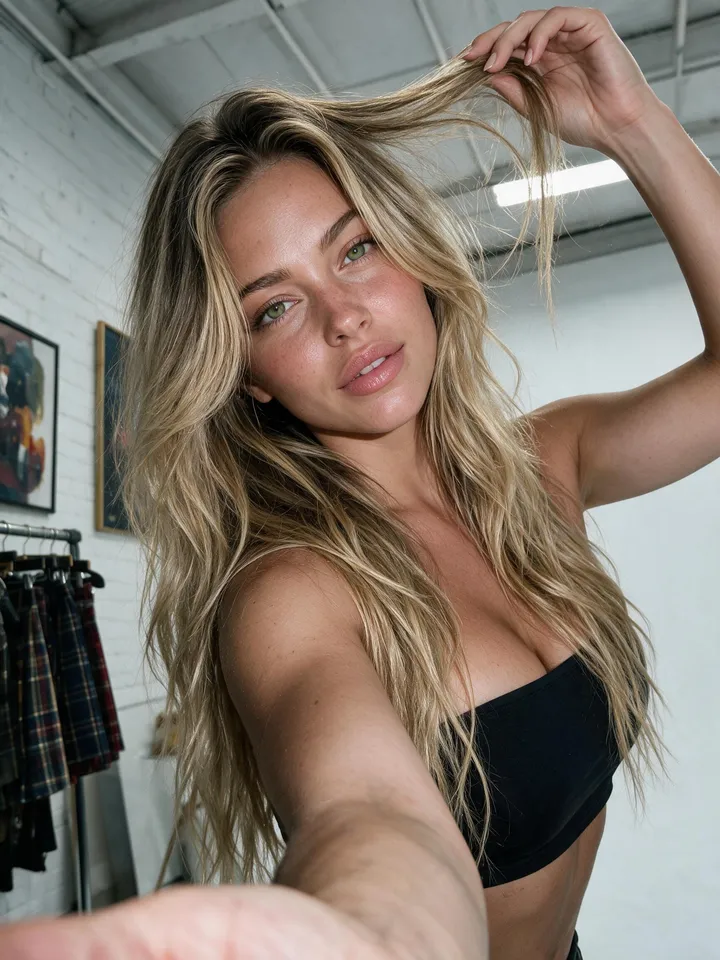
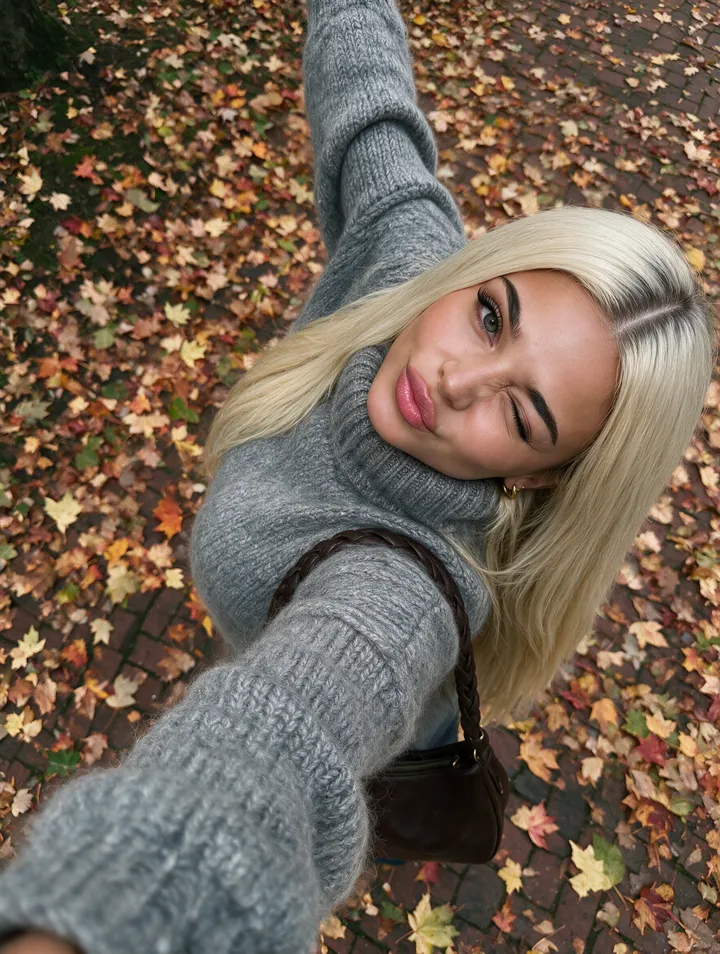
Why does my character change when I switch to video?
Image and video models hold no persistent memory of a person: each generation is assembled from scratch, so a description that matched your character last time matches a cousin of hers this time. A single prompt also asks for too much at once — subject, lighting, camera, wardrobe, setting, motion — and the subject is what gives way.
Video multiplies it, because identity is re-decided across the clip. That is why drift rarely shows in the first or last frame: it shows mid-motion, in the hairline, the teeth, an earring, the hands, or proportions that shift between seconds two and four.
What do I need before I generate the first clip?
One character that exists independently of any prompt. On OFMAI you build it once from 3 of your own reference photos — a portrait, a front view and a back view — with no training, or design it from a written description. From scratch it costs 12 credits, and it is reused in every generation, photos, video and voice, so the same look, body and morphology carry across the library.
Those three are what OFMAI asks for; the reference guides agree on what makes any reference usable, whatever tool you feed it to: two to three shots — a front-on portrait, a profile or three-quarter view, a full-body frame — sharp, evenly lit, neutral background, at least 1024px on the shortest side (Runway, "Create consistent AI characters", read October 2026).
The same guide lists what makes a reference unusable: blur, harsh shadows, heavy filters, sunglasses, extreme angles (Runway, read October 2026). PC Tech Magazine adds hair volume and parting — a hair change alone reads as a different person — and simple clothing with clear seams, easy to audit later (PC Tech Magazine, "How Creators Can Keep AI Characters Consistent Across Images and Short Videos", read October 2026).
What is the photo-to-video workflow, step by step?
Step 1 — build the character once, then stop describing her appearance in prompts: every appearance detail left in a prompt is a chance for the model to overrule the character.
Step 2 — build a still set before you think about motion: the expressions, outfits and angles you expect to need. Photos cost 2 credits each, an image edit 2 credits. Change one thing at a time — a new room first, then a new outfit.
Step 3 — generate the frame you want to animate, describing framing, lighting and setting rather than the person.
Step 4 — audit that still against your reference views before spending a credit on video; the clip inherits every flaw in the frame.
Step 5 — animate only the approved still, from 7 credits for five seconds at 480p.
What should I check on a still before I animate it?
Put the candidate beside your reference views and read it in four passes. Most drift is visible before motion is added, and all of it is cheaper to catch there.
Proportions: hairline and parting, jaw line, eye spacing, the bridge of the nose, any distinctive mark your audience has learned. Build and posture: height in frame, shoulders, waist, hands — hands and proportions are where a clip betrays itself most often.
Wardrobe and props: button count, collar shape, cuffs, seam lines, the size and finish of anything she is holding. A viewer notices these without being able to name them.
Lighting and lens: has the character taken on the light of the new setting, or is she still lit like the reference and pasted in? If not, fix the still rather than hoping the video hides it.
How do I animate a still without the clip drifting?
Ask for less motion than you want. Short takes with one small movement hold a character far better than an ambitious shot: a blink, a slow head turn, a shifting gaze, a gentle push-in. A fast full turn or a large physical action is where warping appears.
For anything longer than a beat, cut rather than extend: two short takes read as continuous and each is cheap to redo.
Iterate at standard quality and render only the winner in HD. Five seconds costs 7 credits at 480p, 13 at 720p and 25 at 1080p, since a second of 1080p costs 4 times a second of 480p. Failed generations are refunded automatically.
Which tools actually hold a character from photos to video?
Midjourney and Leonardo are image generators, and strong ones. Both let you anchor a character on a reference image as of October 2026, which holds a figure well across stills. The limit is structural: the clip is made in another tool, so the hand-off between image library and video tool is yours to manage, and that is where most drift enters.
Runway and Hailuo come at it from the other side: as of October 2026 both animate a frame you supply, which is the right mechanism — but the character still has to come from somewhere, and holding one persona on-model across hundreds of posts is not what a video tool is built to do. Runway says as much in its own guide, which tells you to settle the still in advance (Runway, read October 2026).
A local open-weight setup you run yourself, with ComfyUI or Forge and a character model you have trained, gives the most control of any option here and is the only fully offline route; the price is a GPU, node graphs and model updates you maintain.
OFMAI takes the opposite trade: one character reused across photos, video and voice in one place, hosted, paid per credit, with image-to-video so a frame you approve carries the character over. It is not for everyone — if you need offline control, run the local stack; if you want a new person on every prompt, a general image generator fits better; and OFMAI stops at the content, since it is not a scheduler or a fan-messaging tool.
What does a photo-to-video run cost?
A realistic first run — one character, twenty photos for a still set, three five-second clips at 480p — comes to 73 credits, the video the smallest line in it. The photo work is the expensive part, and you do it once per character.
Plans are monthly and start at $9.99 for 30 credits; subscription credits renew each month and purchased top-up credits never expire.
Photo-to-video at a glance
- Build the character once, then stop describing her appearance in prompts
- Animate a still you have approved rather than a text description of a person
- Audit the still: hairline, jaw, build, hands, wardrobe, lighting
- Short takes, small motion; cut between two clips instead of extending one
- Iterate at 480p (7 credits), render the winner in HD (13 at 720p)
- Review clips in motion — drift hides in the middle, not the first frame
- One voice per character; failed generations refunded automatically
OFMAI in numbers
- creators signed up
- 10,000+
- photos and videos generated
- 60,000+
- videos generated
- 8,700+
Frequently asked questions
How do I keep my AI character consistent when I switch from photos to video?
Animate an approved still instead of describing the person again: build the character once, generate the frame you want, audit it against your reference views, then animate that frame. On OFMAI you can start the video from one of your images, so the clip inherits the person from the photo.
Do I have to start the video from an image?
You don't have to, but it is the whole point here: animating a frame you have already approved is what keeps the person identical.
How many reference photos do I need?
Three of your own — a portrait, a front view and a back view — no training needed. You can also design one from a written description when the persona is not you.
Why does my character drift in the middle of a clip but look right in the first frame?
Because identity is re-decided across the clip, not fixed by the opening frame. Drift surfaces mid-motion: hairline, teeth, jewellery, hands, proportions. Judge the clip playing, not on its thumbnail.
What does a clip cost, and what if it fails?
Five seconds costs 7 credits at 480p, 13 at 720p and 25 at 1080p, up to 30 seconds per clip. A failed generation is refunded automatically.
Can I keep the voice consistent as well as the look?
Yes. A voice is attached to the character — cloned from a sample, chosen from a catalogue or designed from a description — and every voice note uses it. Only clone a voice you have the right to use.
Related: AI character generator · AI video generator for creators · AI model generator · All features · Pricing and credits
OFMAI generates synthetic imagery. Uploading photos or cloning the voice of a real person requires that person's explicit consent, enforced by automated and human moderation. Disclose AI-generated content wherever the platform you publish on or applicable law requires it.