
How to Generate AI Lifestyle Photos Set in a Specific City or Location
By Marcus, AI generation expert at OFMAI · Updated
Write the place into the scene and keep the person out of the prompt. A city is a setting — a named street, a time of day, the weather and what she is doing there — while the person has to come from somewhere that cannot be re-typed, or every new location quietly returns a different woman. On OFMAI you build one character once, from 3 of your own reference photos with no training or from a text description, and then a photo of that same character in any location costs 2 credits, with the same look, body and morphology in every frame.
How convincing the place looks depends on three things you control: how specific your wording is, how well documented the location is, and whether you generate the street or start from a photograph of it. Below: the prompt line by line, why the model changes when the city does, what two 2026 studies found about generators and real places, five routes with their costs, the review checklist, and the rights and disclosure checks before you post.
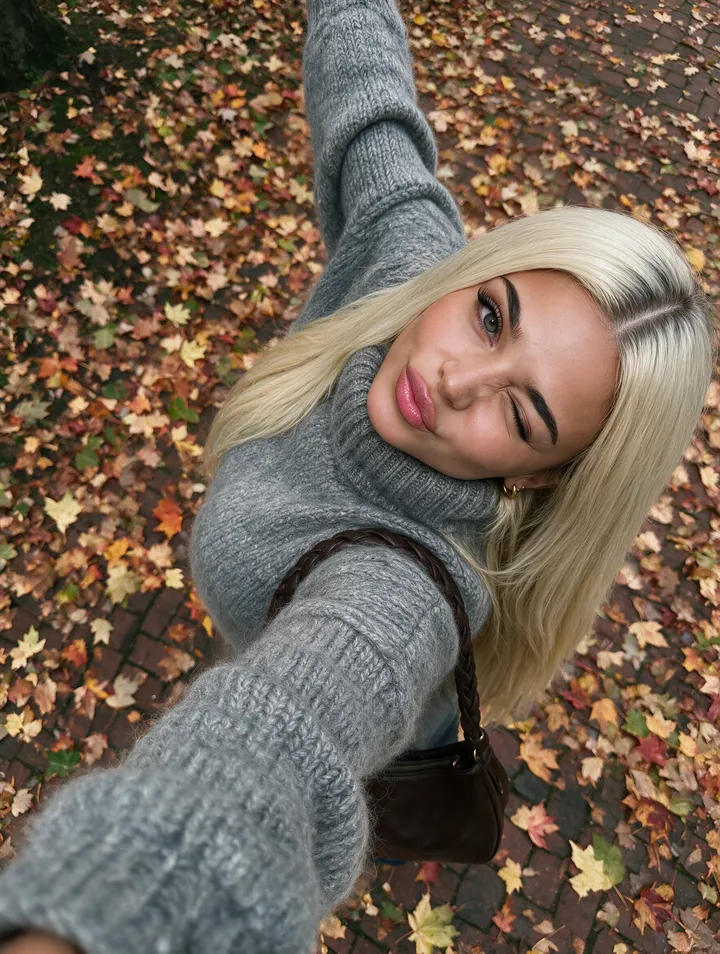
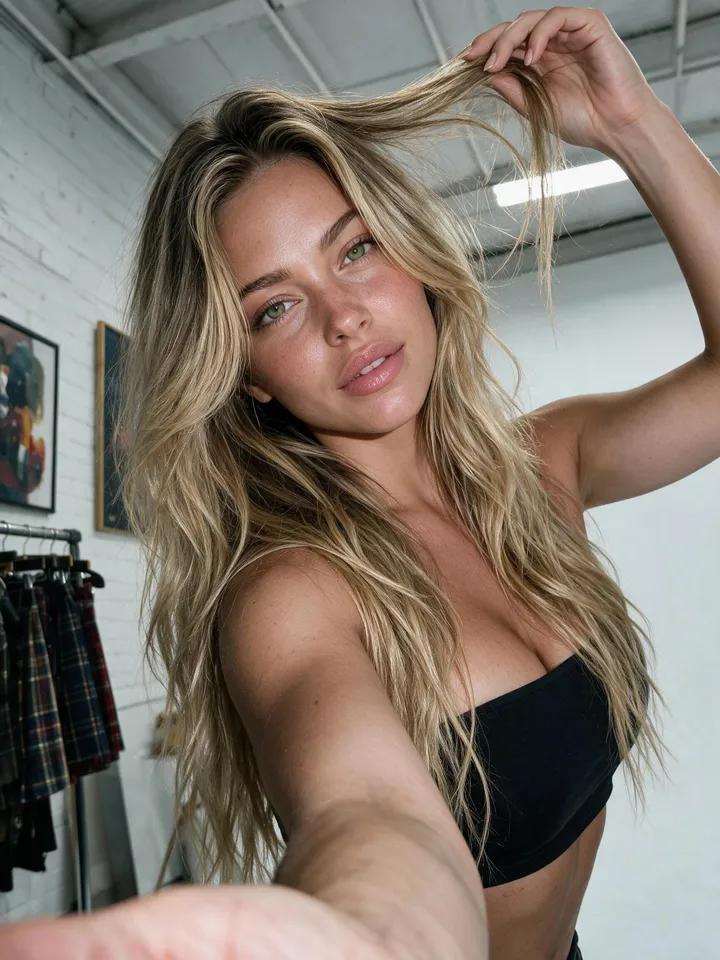
How do I generate AI lifestyle photos set in a specific city or location?
Do it in two moves, in this order: store the person, then build the place. On OFMAI the character is created once for 12 credits and reused in every later generation, so a shot of her on a named street is an ordinary photo at 2 credits — you describe the location, the time of day and the activity, and never describe her again.
Nightjar's help-desk answer on putting a model in a specific city or street backdrop, published 21 May 2026 and last reviewed 19 August 2026, splits the same job two ways. For a reusable city-inspired scene, pick the person, the pose and the camera distance, then a saved Location. For a particular real street, start from a licensed photograph of it and ask for the setting to be replaced while the person stays — its own rule is that when architecture, signage or event context matters, you work from a photo of that street and compare the details against it.
A Location in that sense is a reference environment you keep: described in words, or uploaded from an image you hold the rights to. It is worth building once if a month of posts is supposed to come from the same place, and it is the difference between a series that reads as one trip and twenty images that each invented their own city.
What goes into a location prompt, line by line?
Six lines carry a place: the named setting, the subject's activity, the camera angle and distance, the time of day and light, the weather or season, and how busy the street is. That is roughly CapCut's list in its guide to AI location visuals, published 1 April 2026 — setting, subject, camera angle, time of day, lighting, weather or season, crowd level and one or two style cues — with its two working rules: be specific and concise, add negatives for what you do not want, and change only one attribute per round so you can tell what moved.
Picsart's tutorial on lifestyle content for AI characters, published 15 April 2026, organises the same thing as a grid you can rotate: category (travel, food, fashion, fitness, daily life, events), setting (cafe, gym, beach, city street, home), activity, mood (candid, posed, action shot, mirror selfie, from behind, full body) and lighting (natural daylight, golden hour, indoor ambient, studio lit). Its location advice is the useful part — name the exact place rather than the country, with examples like a Tokyo street crossing, Santorini white buildings or Bali rice terraces, and show the character doing something in the place rather than standing in front of a landmark.
In practice three lines do most of the work: the named place, the hour, and what she is doing. Golden hour on a cobbled street while she carries a coffee reads as a real morning; the same street at noon with no activity reads as a backdrop.
Put together, one line looks like this: "Golden-hour street photo, a woman walking a cobbled side street in Lisbon's Alfama, pastel storefronts behind her, carrying a coffee and glancing off-camera, medium full shot at eye level, 35mm, warm low side light after light rain, a few passers-by in the distance" — named place, activity, angle and distance, hour and light, weather, crowd level, and not one word about who she is. Change a single element next round, the hour or the street, and keep the rest of the line identical.
Why does the person change when you change the city?
Because in a text-only workflow the person never existed anywhere but in your sentence. Adjectives name a category, not an individual, so adding a new city makes it a new prompt, and a new prompt returns a close relative: same age, same hair, different woman. Nothing drifted — she was invented again, and she will be invented again in the next city.
The fix is to keep the identity somewhere the prompt cannot reach. On OFMAI a character is built from 3 of your own reference photos, with no training and ready in minutes, or designed from a description: 6 credits for the batch of candidate faces and 6 to confirm your pick and generate the front and back reference views, 12 credits in all. After that every location is just a scene, and the same look, body and morphology carry across photos, video and voice notes.
There is a second, cheaper move when you already have a frame you like: change only the background. An image edit on OFMAI is 2 credits and replaces the setting while leaving the rest of the shot intact, which beats re-prompting a pose and an expression you had already approved. Failed generations are refunded automatically either way.
How accurate are AI generators on real cities and landmarks?
Less accurate than they look, and unevenly so. A Virginia Tech study led by Junghwan Kim, published in Technology in Society and reported by the university on 19 May 2026, had 129 participants rate generated images of Blacksburg, Richmond, Virginia Beach and Washington D.C., built around Kevin Lynch's urban elements — landmarks, districts, paths and waterfronts. Large metropolitan areas came out consistently better than small towns: Blacksburg looked generic and missed the Hokie Stone that its university buildings are actually made of, one Washington image carried a wrong traffic light, and residents of long standing marked the images down harder than newcomers. The study ran on an earlier generation of image generator, so read it as a direction rather than today's score.
Architecture fares no better under expert eyes. In "Architecture inside the mirage" (arXiv:2601.09169, submitted 14 January 2026), Magrill and colleagues ran 30 architectural prompts through five mainstream generators, Midjourney among them, and had architectural historians score the 600 resulting images: mean accuracy 42 percent, best platform 52 percent, worst 32 percent. Common styles scored 2.7 times better than rare ones, and the recurring faults were over-embellishment and confusing a medieval style with its later revival.
What that means for a lifestyle shoot: a famous, heavily photographed city will come out plausible, and a specific small town or a particular building will be quietly reinvented. Frame tighter, let the city be context rather than the subject, and if the exact street has to be right, start from a photograph of it instead of a description of it.
What are the five routes to a city-set photo, and what does each cost?
Route one, a stored character in a generated scene. The strongest default for a creator, because the person is fixed and only the place varies: on OFMAI 12 credits once, then 2 credits a photo in any location, and 7 credits for a 5-second clip animated from a still you already approved. The limit is honesty about the street — it is a city-inspired scene, not a document of that corner.
Route two, edit the background of a photo you already have. Keeps the pose, the expression and the light you signed off and changes only the setting, at 2 credits an edit. Best for moving one good frame to a second city, worst when the new place needs a different pose or focal length.
Route three, start from a licensed photograph of the real street. The only route that gets the signage, the architecture and the shopfronts right. The same Nightjar answer describes the mechanics — the on-model image and the street photo together, with the instruction to keep the person and replace the setting — and its cost is the licence plus one edit, not the generation.
Route four, a general-purpose generator such as Midjourney or Leonardo. Excellent art direction and atmosphere for a single striking image, and the wrong instrument for a series: each prompt returns a different individual however precisely you describe her.
Route five, run it yourself in Stable Diffusion with your own reference setup. The highest ceiling on control over the mask, the seed and the weights, paid for in a GPU, a working local install and an evening per batch. Worth it when you need pixel-level control; not worth it to post three photos a week.
How do you check a city shot before you post it?
Review at full size, and separate the person from the place. The same Nightjar checklist reads on the scene side: perspective, depth, reflections, contact shadows and light direction; and on the person side: face, hands, how the clothing actually interacts with the body, and identity — is this still the same individual as the last post.
Then run the place-specific tells, which are where generated cities fail first: text on signs and shopfronts, road markings and crossings, traffic lights and their signal order, vehicle types and which side of the road they are on, and any distinctive building material. The wrong traffic light in the Virginia Tech study's Washington image is the archetype — invisible to a visitor, obvious to anyone who lives there, and the people who live there are the ones who comment.
Judge the set, not the frame. CapCut's guide, published 1 April 2026, has you generate several candidates, compare them on shadows, reflections and perspective lines, and grade the whole series at the end so it reads as one trip. A series graded image by image reads as a collage, whatever each image is worth on its own.
What are you allowed to show, and what has to be disclosed?
You can show a generated city street; you cannot show an identifiable real person without their consent, and you should say the image is generated. On OFMAI the same line applies: it is not for depicting a real person without their consent. The same Nightjar page's release checklist is presented as a checklist rather than legal advice, and it is the clearest short list of what a city scene touches. Source photo rights: the photographer keeps the copyright even when the file is on your disk, so reuse needs their permission. Landmarks, public art, property and trademarks: distinctive buildings, installations, shop signs and logos are each reviewed separately, and the page cites Eiffel Tower guidance, where daytime images and the protected night-time lighting are not treated the same way.
Likeness and privacy: do not use an identifiable real person without consent, and do not leave recognisable bystanders in frame — the page cites California Civil Code section 3344 as one example of rules that vary by place. Permits: generating a scene needs no crew and no site control, while a physical shoot on the same street may need property approval, insurance or a city permit, with New York City's film office cited as an example.
Truthfulness is the one that catches creators. The same Nightjar checklist says not to imply a campaign was shot somewhere it was not, citing FTC advertising guidance and, for EU campaigns, AI Act Article 50 transparency obligations where images could falsely appear authentic. The authors of the January 2026 architecture study recommend visible labelling of AI-generated content for the same reason. A caption that says where the scene is set, and that it is generated, costs nothing and removes the argument.
How do you shoot a whole city series, and when is OFMAI the wrong tool?
Batch by place, then by category. Build the character once, pick one city per session, and rotate what she does there — Picsart's tutorial, published 15 April 2026, suggests spreading categories across the week rather than posting five near-identical scenes, matching the outfit to the activity, and keeping an outfit preset per category. Generate the seasonal material early, since the weather line in the prompt is what dates a post.
The arithmetic is simple at 2 credits a photo. Plans start at $9.99 a month for 30 credits; Pro is 100 credits for $24.99 a month, or 50 photos of one character; Agency is 1000 credits for $149.99 a month when you run several personas. Subscription credits renew each month, purchased top-up credits never expire, and failed generations are refunded automatically.
OFMAI is the wrong tool in four cases. If the exact street has to be documentary — a real shopfront, a real sign, a real event — license a photograph of it and edit from there. If you want control over the mask, the sampler and the seed, or the weights on your own disk, run Stable Diffusion locally. If you want one striking travel image with no recurring person, a general-purpose generator such as Midjourney is the better instrument. And OFMAI makes the content, not the distribution: no scheduler, no publishing hub, no stock library — you generate, export and post where you already publish.
The five routes at a glance
- 1. Stored character in a generated scene — Gets right: the same person in every city — Cost: 12 credits once, then 2 per photo — Fails when: the street itself has to be documentary
- 2. Edit the background of an approved photo — Gets right: the pose, expression and light you already signed off — Cost: 2 credits — Fails when: the new place needs a different pose or focal length
- 3. Start from a licensed photo of the real street — Gets right: signage, architecture, shopfronts — Cost: the licence plus one edit — Fails when: you have no rights to the photograph
- 4. General-purpose generator (Midjourney, Leonardo) — Gets right: atmosphere and art direction in one image — Cost: a subscription — Fails when: you need the same individual twice
- 5. Stable Diffusion run locally — Gets right: control over mask, seed and weights — Cost: a GPU and an evening per batch — Fails when: you only need a few posts a week
- Whichever route: name the exact place, change one attribute per round, keep the person out of the location prompt, grade the series together at the end
OFMAI in numbers
- creators signed up
- 13,000+
- photos and videos generated
- 72,000+
- videos generated
- 11,000+
Frequently asked questions
How do I generate AI lifestyle photos set in a specific city or location?
Store the person first, then describe only the place. Name the exact setting, the time of day, the weather and the activity, and leave the model out of that sentence entirely. On OFMAI a character is built once for 12 credits — from 3 of your own reference photos with no training, or from a description — and after that a photo of her in any city is 2 credits, with the same look, body and morphology every time.
Why does my AI model look like a different person in each city?
Because she only ever existed as your words, and a new location makes it a new prompt, which returns a near-relative rather than the same individual. Nothing drifted; she was re-invented. Keeping a stored character solves it in one step: the location changes, the identity does not, because it is not part of what you type.
Will the generator get a real street or landmark right?
For famous, heavily photographed places, usually plausible. For small towns and specific buildings, often not. A Virginia Tech study reported on 19 May 2026 found generated images of large metros clearly better than those of small towns, with Blacksburg coming out generic and one Washington image showing a wrong traffic light, and a January 2026 arXiv study of five mainstream generators scored architectural accuracy at 42 percent on average. If the street must be exact, start from a licensed photograph of it.
What should a location prompt actually contain?
Setting, subject and activity, camera angle and distance, time of day, lighting, weather or season, crowd level, and one or two style cues — roughly CapCut's list in its guide published 1 April 2026, which also advises adding negatives and changing only one attribute per round. Name the exact place rather than the country: Picsart's tutorial of 15 April 2026 uses examples like a Tokyo street crossing or Santorini white buildings.
Is it cheaper to edit a background or generate a new photo on location?
On OFMAI they cost nearly the same: an image edit is 2 credits and a photo is 2 credits. Editing wins when you want to keep a pose, an expression and a light you already approved; generating wins when the new place calls for a different pose or framing. Failed generations are refunded automatically in both cases.
Can I use a real photo of a street as the backdrop?
Yes, if you hold the rights to it. The same Nightjar help-desk answer describes putting the on-model image and a licensed street photo together and asking for the person to be kept while the setting is replaced — and warns that owning a copy of a photograph is not owning its copyright, so reuse generally needs the photographer's permission.
Do I have to say the photos are AI-generated or that I was not really there?
Treat both as yes. The same release checklist says not to imply a campaign was shot somewhere it was not, citing FTC advertising guidance and, for EU campaigns, AI Act Article 50 transparency obligations; the authors of the January 2026 architecture study recommend visible labelling of generated images. Each platform sets its own AI-content rules, so check them before publishing, and a caption naming the setting costs you nothing.
Can I turn a city photo into a short video without losing the location?
Yes, if the clip is animated from the still you approved rather than described again. OFMAI's video is image-to-video that keeps the same character throughout, from 7 credits for a 5-second clip, so the street you got right as a photo is the one the clip starts in. Fast motion and busy backgrounds are still what break first.
How many city photos can I make on a month's credits?
At 2 credits a photo, Pro's 100 credits for $24.99 a month come to 50 photos of one character. Starter is 30 credits for $9.99 a month and Agency is 1000 credits for $149.99 when you run several personas. Subscription credits renew monthly; purchased top-up credits never expire.
Related: AI model generator · AI character generator · Change a photo's background without breaking consistency · Make AI photos look less AI · Keep a body and morphology identical across photos · Batch a month of content in one sitting · AI video generator for creators · OFMAI pricing · Keep posting daily while a creator is on break · Upscale photos for print and large format
OFMAI generates synthetic imagery. Uploading photos or cloning the voice of a real person requires that person's explicit consent, enforced by automated and human moderation. Disclose AI-generated content wherever the platform you publish on or applicable law requires it.