How Do You Keep a Brand's Product Looking Exactly Right in an AI Model's Hands?
By Marcus, AI generation expert at OFMAI · Updated
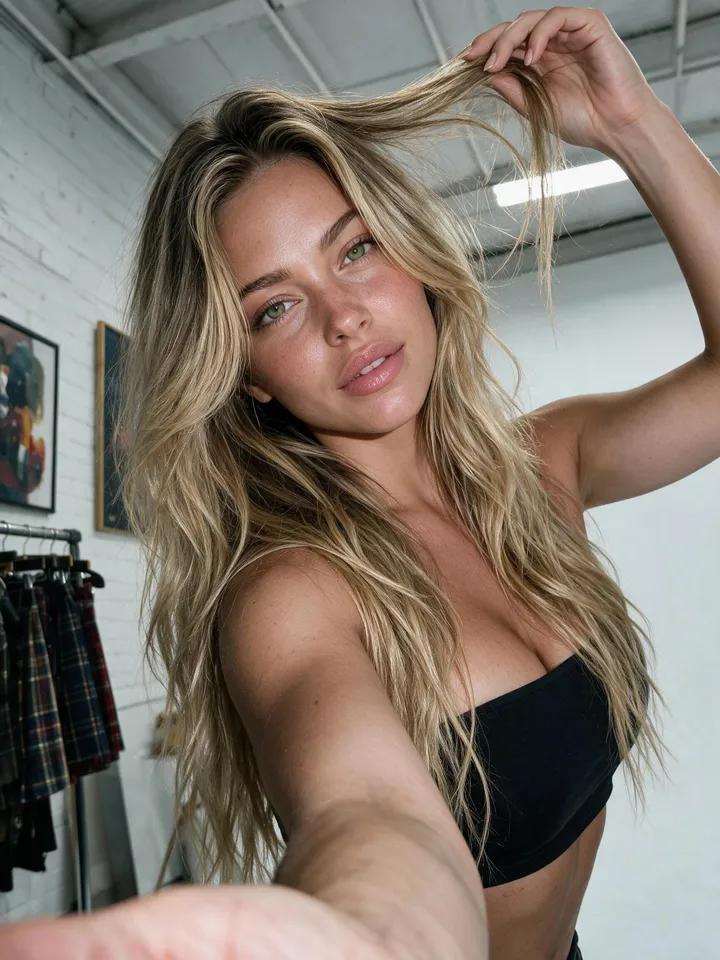
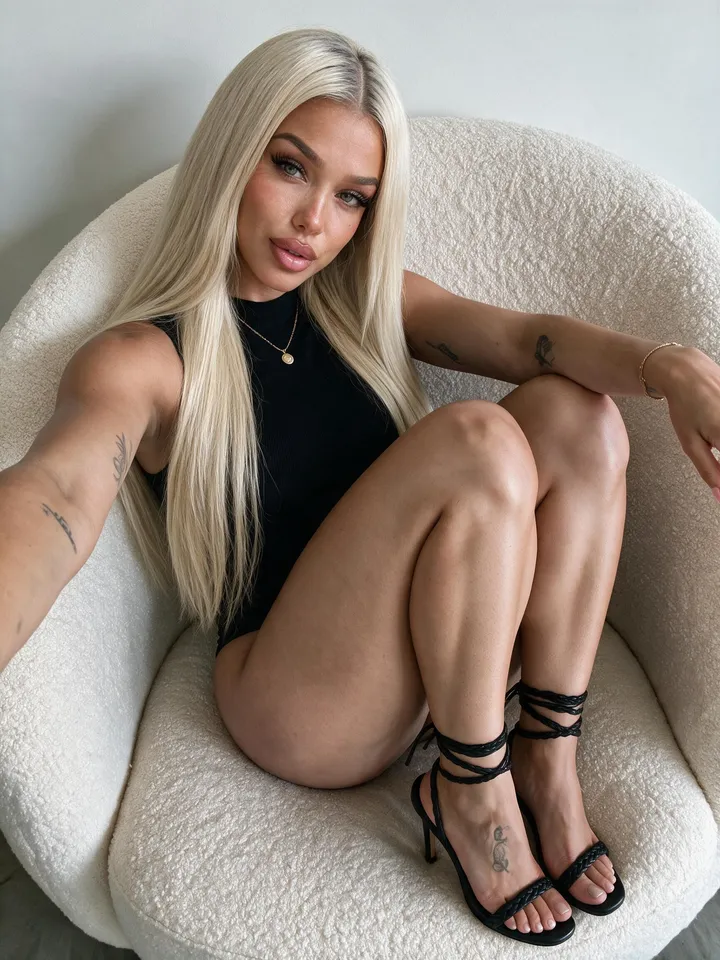
Treat it as two problems rather than one: the person holding the product, and the product itself. The person is solved by storing the identity once instead of re-describing it — OFMAI builds one character from 3 of your own reference photos, with no training, or from a written description, and every later photo, video and voice note runs against that stored character, so the same look, body and morphology carry across the campaign. The product is solved by making your real pack shot the source of truth and never asking a generator to redraw its fine print.
What no general generator holds reliably is the individual object: label text, logo geometry, component count, and whatever a hand happens to cover. The fix is a written acceptance spec, one approved frame per shot, a targeted image edit for the single flaw — 2 credits on OFMAI against 2 for a fresh photo — and a composite wherever the copy has to be legally exact. Below: why prompts drift, what counts as the same product, five routes costed, the shot-by-shot checklist, and when OFMAI is not the right buy.
How do I keep a brand's product looking exactly right in an AI model's hands?
Four moves, in this order. Write down the handful of properties that would make a shot unusable if they changed. Start every shot from one approved product photo rather than a fresh description. Let the generator produce the scene and the creator, not the product's graphics. Review each output against the real item, never against the last generation, because a small drift becomes the reference for the next one.
Magic Hour's workflow guide on product consistency, read in November 2026, is blunt about the last point: preserve or composite the real product whenever label text, legal copy or packaging geometry must be exact. A generator rebuilds fine text from scratch on every pass.
On OFMAI the creator half is built in. The character is created once for 12 credits and reused in every generation, so you write the product, the gesture and the location — never the person again. A photo of that character is 2 credits, and an image edit is 2, which is what you spend on one warped cap or a crooked logo instead of rerolling the whole frame.
Why does a prompt hold a style but not a specific product?
Because words name a category and a branded pack is an individual object with writing on it. "Matte black 50 ml dropper bottle" describes thousands of bottles, not yours, and an image model starts each generation from fresh noise, so it invents the label again every time.
Morphic's guide to holding product images across a campaign, read in November 2026, describes the compounding version of the same problem: re-describing the product in each prompt moves the label, the colour and the shape a little on every shot, and across a drop those small moves stop matching each other. Its remedy is to save the product once as a named reference and call it by name, changing only framing and angle.
A hand makes it worse. Magic Hour's guide, read in November 2026, lists "product changes during hand interaction" as a named failure mode: occlusion forces the model to reconstruct the hidden part of the pack, and it reconstructs it differently each time. Its fixes are mechanical and work on any tool — reduce the overlap, shorten the interaction, cut before the product is obscured.
What counts as "the same product"? Write the acceptance spec first
Name the properties that cannot move before you generate anything. Magic Hour's acceptance spec, read in November 2026, uses five: silhouette and proportions; brand elements, meaning the logo, the label text and where they sit; colour and material; components; and relative scale, which is exactly what a hand in the frame gives away. Anything not on that list is a creative variable.
The same guide sorts work into three protection levels, and the level decides the route. Strict — a real SKU, regulated claims, legible packaging — means compositing the real product and rejecting any change to text, geometry, colour or components. Controlled — social ads with a recognisable item — means starting from an approved image and keeping motion restrained. Loose — mood boards, fictional props — means a prompt is fine and you judge the concept.
Decide the level first: most of the credits wasted on a product shoot go on running the loose workflow against a strict shot.
Which routes actually hold a product, and what does each cost?
Stored creator, with the pack held outside the generator. The person is a saved character reused in every generation while the generator supplies the scene, the pose and the light; the product's graphics come from your own photograph, carried in by compositing or fixed with a targeted edit. This is OFMAI's shape: 12 credits once for the character, 2 per photo, 2 per edit. It holds the creator across hundreds of shots — it does not promise redrawn label text, and nothing here does.
Reference-image conditioning in a general generator. Midjourney's Omni Reference documentation, read in November 2026, says it brings characters, objects, vehicles or creatures from a reference image into new images, at a weight from 1 to 1,000 (default 100). Its stated limits matter here: one reference image only, V7 only, results incompatible with Vary Region, Pan and Zoom Out, and twice the GPU time of a normal V7 image. One reference means choosing between pinning the person and pinning the pack.
Hosted brand tooling. Stability AI's knowledge-base page on style and branding consistency, read in November 2026, points at a structure control for where the subject sits, a style reference that extracts your palette and light direction, a locked seed while you test, and brand assets uploaded as PNG rather than JPEG. A custom product model is listed there as a purchasable Enterprise add-on run as a managed service — real, and priced for brands rather than for one creator.
A local open-source stack. Stable Diffusion with control and inpainting on your own hardware gives the most control and the weights are yours; the cost is that you build and maintain the stack, and nothing about it makes label text reliable either.
Composite. Generate the creator and the scene, then place the real product into the frame in an editor. It is the only route that guarantees the copy on the pack, and it is the one every guide above falls back to for regulated claims.
What does a product shoot cost on OFMAI?
The character is 12 credits end to end — 6 for the batch of candidates and 6 to confirm your choice and generate the reference angles — built from 3 of your own photos with no training, or designed from a description. After that a photo is 2 credits, an image edit 2, and a 5-second clip is 7 credits at 480p, 13 at 720p and 25 at 1080p, rising with length.
Run the arithmetic on volume. Starter is 30 credits for $9.99 a month, which puts a photo at about $0.67. Pro is 100 credits for $24.99, or 50 photos; Agency is 1000 credits for $149.99, or 500. Subscription credits renew monthly, purchased top-up credits never expire, and failed generations are refunded automatically.
The number that matters is cost per accepted shot: total spend divided by the shots you kept, counting rejects and repair time, as Magic Hour's guide, read in November 2026, defines it. A cheap route with a high reject rate loses to a dearer one that passes review — and the repair lever here is the 2-credit edit rather than a reroll at 2.
How do you shoot the scene without the product falling apart?
Start from the still, not the prompt. Approve one image where the product is right, then animate that image rather than describing the scene again — image-to-video reduces invention, though no guide claims it makes the object immutable. On OFMAI the stored character carries from the photo into the clip, so only the product and the gesture are in play.
Then keep each clip small. Prompt the motion and one camera move, not a redesign of the object; two simultaneous actions raise the drift rate. Name the product's colour separately from the scene lighting, or a warm key light quietly restyles the pack. Between shots, change one variable and reuse the same references, aspect ratio and wording.
Review before you edit. Magic Hour's checklist, read in November 2026, gates six things — shape, branding, colour and material, components, motion stability and the final export — at the beginning, the middle, the end and every turn, reveal or touch, on the downloaded file rather than the preview. A good-looking shot with a melted cap is still a reject.
When is OFMAI not the right choice?
When the words on the pack have to be legally exact. Regulated claims, dosage, ingredient panels, marketplace hero images: photograph the product or composite the approved render, and generate only the person and the scene. No tool on this page, ours included, guarantees redrawn label text.
When the recurring asset is the product rather than a person. A catalogue of hundreds of SKUs with no consistent creator in frame is a product-photography job, and a dedicated product tool or the Enterprise custom-product route in Stability AI's documentation, read in November 2026, fits it better.
And when you want to own the weights and run everything locally, a self-hosted stack wins on control and loses on time. OFMAI is the right buy for the opposite case: a creator or an agency that needs the same person, in the same body, holding a brand's product across a month of posts, with photos, clips and voice notes in one place and no GPU.
The five routes at a glance
- Stored creator, pack held outside the generator — Holds: the person across hundreds of shots, and the product as far as your approved frame and your edits carry it — Doesn't hold: redrawn label text — Cost on OFMAI: 12 credits per character, 2 per photo, 2 per edit.
- Reference-image conditioning (Midjourney Omni Reference) — Holds: one referenced subject per image, weight 1 to 1,000, default 100 — Doesn't hold: a person and a pack at once, since the documentation read in November 2026 allows one reference image — Cost: twice the GPU time of a normal V7 image, per the same documentation.
- Hosted brand tooling (structure control, style reference, custom product model) — Holds: palette, light direction and composition, and a trained product model at the top tier — Doesn't hold: fine print, which the documentation does not cover — Cost: the custom product model is an Enterprise add-on, per Stability AI's knowledge base read in November 2026.
- Local open-source stack (Stable Diffusion with control and inpainting) — Holds: whatever you build, and the weights are yours — Doesn't hold: label text, any better than the rest — Cost: your own GPU, plus the hours to build and maintain it.
- Composite the real product — Holds: everything on the pack, exactly — Doesn't hold: nothing, it is a photograph — Cost: an editor and one masking pass per shot. The fallback every guide names for regulated claims.
OFMAI in numbers
- creators signed up
- 13,000+
- photos and videos generated
- 72,000+
- videos generated
- 11,000+
Frequently asked questions
How do I keep a brand's product looking exactly right in an AI model's hands?
Split it in two. Store the person once so the creator never changes — on OFMAI a character is 12 credits and is reused in every generation — and make your real pack shot the source of truth for the product: write an acceptance spec, start each shot from one approved image, reduce how much the hand covers, and edit or composite rather than reroll. Magic Hour's product-consistency guide, read in November 2026, says to preserve or composite the real product whenever label text or packaging geometry must be exact.
Why does the label text change between shots?
Because the model regenerates fine text instead of copying it, and anything the hand covers has to be reconstructed. Keep exact graphics outside the generation: composite the approved product, or add the graphics in an editor once the frame and the motion are accepted. On OFMAI one wrong detail in a good frame is an image edit at 2 credits, not a new photo at 2.
Can a prompt guarantee that a product stays identical?
No. A prompt names a category; your pack is an individual object. Prompts steer the scene, the framing, the light and the pose reliably, and they never pin an identity — of a person or of a product. Both campaign guides cited here, read in November 2026, reach the same conclusion: save the thing that must not change and call it, instead of describing it again.
How many product reference photos should I use?
A small pack beats a large one: a clean front view, a side or three-quarter view, a close-up of the label or defining material, and one shot that shows scale, with a single hero reference per shot. That is Magic Hour's reference pack, read in November 2026, which notes that more inputs do not improve identity preservation. On OFMAI the person needs 3 photos — portrait, front, back — and no training.
Is image-to-video safer than text-to-video for a real product?
Yes, for anything recognisable. Approve a still where the product is correct, then animate that still, so the clip starts from a frame that already passed review instead of inventing the object. It reduces invention rather than removing it, so keep the action small, prompt the camera rather than the object, and cut before a hand covers the pack.
Should I reject every small visual difference?
No — reject against the spec, not against your eye. If the silhouette, the brand elements, the colour and material, the component count and the scale are right, differences in light, grain or background are the creative variables you asked for. Score SKU accuracy separately from how good the shot looks, and measure cost per accepted shot so a high reject rate shows up in the budget.
Related: AI UGC generator · AI influencer in branded clothing · Change the background of AI model photos · UGC ads with an AI spokesperson · OFMAI pricing · Upscale photos for print and large format · Set lifestyle photos in a specific city
OFMAI generates synthetic imagery. Uploading photos or cloning the voice of a real person requires that person's explicit consent, enforced by automated and human moderation. Disclose AI-generated content wherever the platform you publish on or applicable law requires it.
Shoot the brand's product with the same creator every time
Build one character for 12 credits, then generate photos at 2 credits, edits at 2 and clips from 7 — the same look, body and morphology in every shot, while your approved pack shot stays the source of truth for the product. Plans start at $9.99 a month.