Can You Turn Your Existing Photo Archive Into New AI Content of Yourself?
By Marcus, AI generation expert at OFMAI · Updated
Yes — and the archive matters far less than you would expect. On OFMAI, three photos out of it are enough: a portrait, a front view and a back view build a reusable character with no training at all, and every photo, short video, voice note and image edit afterwards carries the same look, body and morphology as the person in those three shots.
The other routes do want the archive, and they want it in bulk. Training your own character model takes 15 to 30 images for an SDXL-based model and 30 to 100 for a newer DiT-based one (diyai.io, 23 October 2026); a hosted selfie trainer asks for about 20 photos and trains in 1 to 3 minutes, while the same job done locally runs 25 to 50 hours on an average laptop (Photo AI help centre, read in November 2026). This page goes route by route: what each one needs from your archive, which of your photos are actually usable, what it costs, and when your archive is the wrong place to start.
What does OFMAI need from your photo archive?
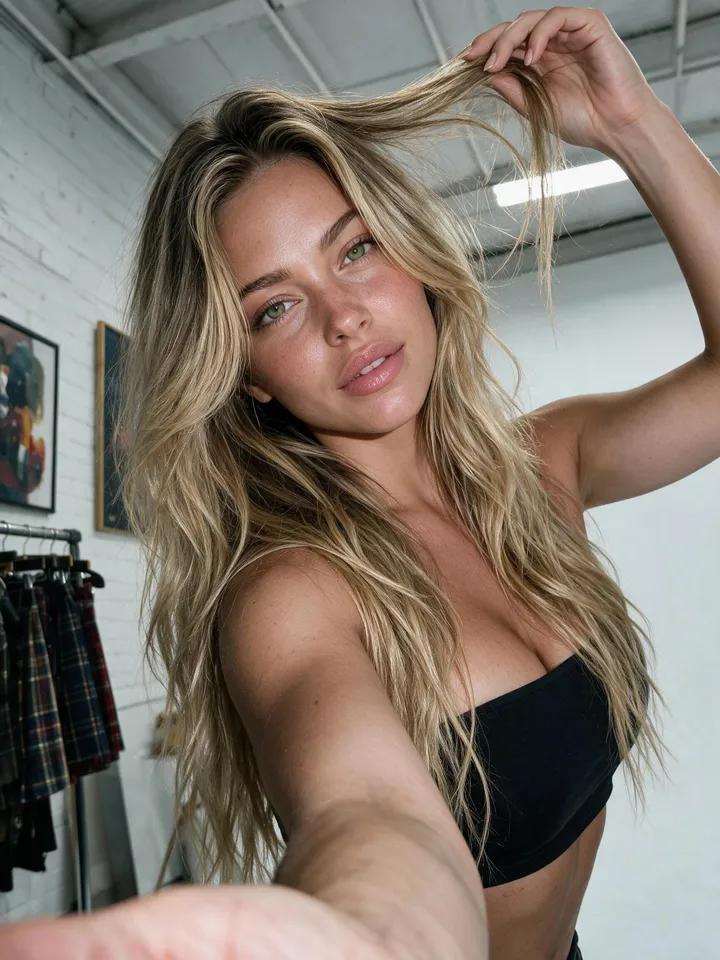
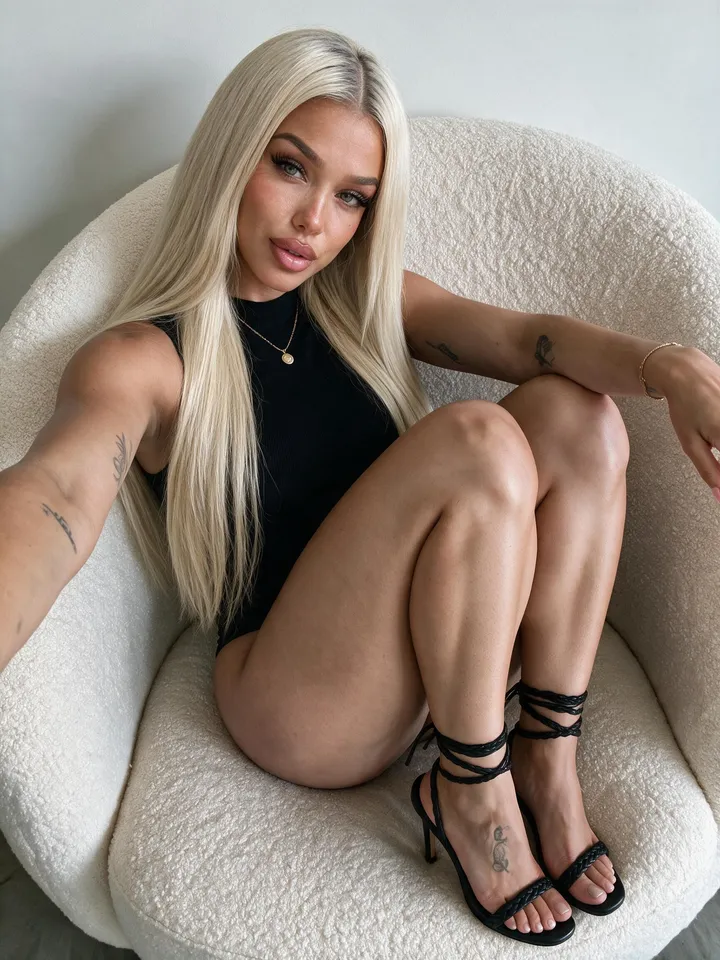
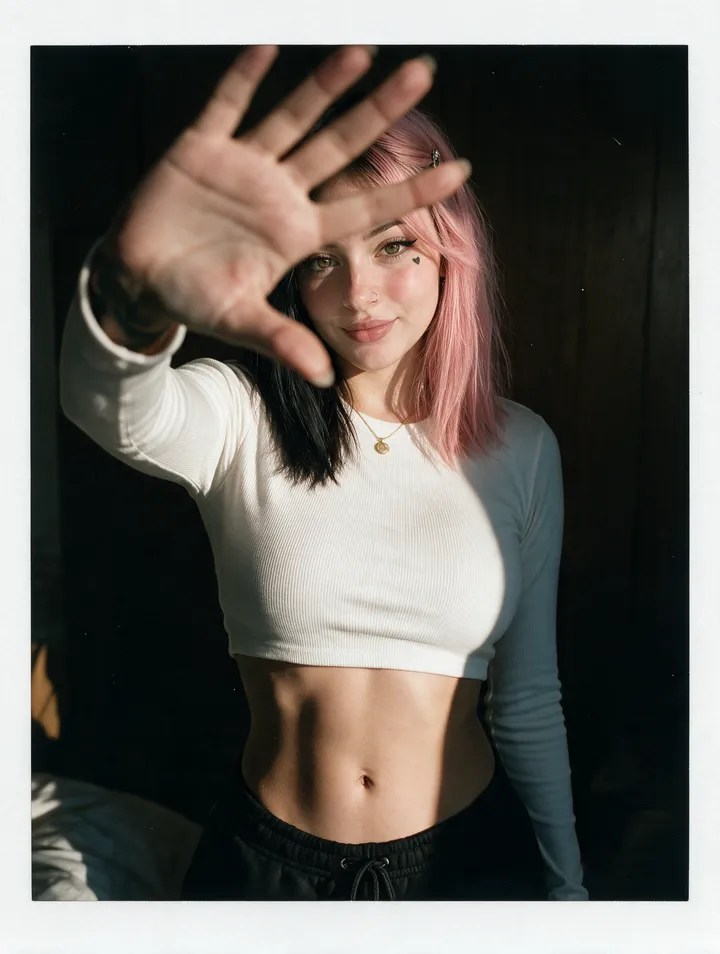
Three photos of yourself: a portrait, a front view and a back view. OFMAI builds a character from them with no training step, so it is ready in minutes rather than after a tuning run, and that single character is then reused in every generation instead of being described again in each prompt.
Creating the character costs 12 credits, and it is ready in minutes because there is no training run to wait for. After that, a photo is 2 credits, an image edit is 2 credits, and a short video starts at 7 credits. It all runs in the browser: no GPU, no install, no model to update. The rest of your archive stays what it is — reference for the scenes, outfits and framing you want back.
Can you train your own model on the whole archive instead?
You can, and that is the route most archive owners reach for first. A ComfyUI LoRA tutorial of 28 August 2026 recommends 15 to 30 images for a character and notes that "about 10 excellent images can sometimes work" (eastondev.com); the diyai.io guide of 23 October 2026 gives the same 15 to 30 for SDXL-based models and 30 to 100 for DiT-based ones, warning that below 30 the adapter does not generalise and above 100 you mostly buy training time. A photographer who tested Adobe Firefly custom models on her own studio archive trained hers on about 30 images (okayunscripted.substack.com, 3 February 2026).
What it costs you is hardware and a wait. The same ComfyUI tutorial puts the starting VRAM at roughly 8 GB for SD1.5 and 12 GB for SDXL and suggests 1,000 to 2,500 steps for a character; the Photo AI help centre, read in November 2026, describes the local DreamBooth route as 10 to 20 prepared and tagged images, a high-end GPU such as an RTX 3090 or better, and 25 to 50 hours of training on an average laptop, with 5 to 10 minutes per generated photo afterwards. The weights are then yours, offline, which is the real payoff.
What about a hosted trainer that takes your selfies?
Faster, and the closest thing to a one-click archive upload. The Photo AI help centre, read in November 2026, describes the flow as: create a model, enter name, gender, age, ethnicity and eye colour, upload 20 photos of yourself, start training, then wait for an email. Training runs about 1 to 3 minutes, generation 5 to 10 seconds a photo, up to 16 in parallel. Photo AI's home page advertises "Plans from $9/mo billed yearly" and asks you to "upload a few selfies once" (photoai.com, read in November 2026).
The difference from OFMAI is where the identity lives and what it covers. A trained model is one model of you producing stills; OFMAI stores one character and runs photos, short videos, voice notes and image edits against it, so the same person carries across all four. Twenty photos against three is also the honest comparison only if you have twenty good ones, which is the next question.
Which photos in your archive are actually usable?
Fewer than the folder count suggests. The Photo AI help centre, read in November 2026, asks for varied angles, lighting, backgrounds and expressions, and rules out filters, sunglasses, Instagram screenshots and group photos. Scenario, a hosted trainer, advises the same person in different poses, expressions and outfits, prefers a small curated set to a large inconsistent one, and refuses images whose shortest side is under 700 pixels (Scenario help centre, read in October 2026). The ComfyUI tutorial of 28 August 2026 asks for a consistent size matched to the base model: 512×512 for SD1.5, 1024×1024 or higher for SDXL.
Run that filter over a real archive and the usable share drops fast: years of group shots, screenshots, heavy edits and low-resolution exports go out. This is why the count that matters is not how many photos you have but how many clean, solo, varied, high-resolution ones you have. Three of those are enough on OFMAI; twenty are the floor on a trainer. One rule applies to every route: the photos must be of you, or of someone who has explicitly authorised their use.
Can you just reuse one archive photo as a reference each time?
You can, and nothing is stored when you do. Midjourney's Omni Reference accepts a subject image inside a prompt and "works with both human and non-human subjects"; holding a specific person or outfit means raising the Omni-Weight, which Midjourney advises against pushing much past `--ow 400` because image quality degrades, and the feature was still described as in testing (the-decoder.com, 2 May 2025).
That is the structural limit of references: one image steers one generation, the reference has to be passed again next time, and the person shifts a little each round. It is fine for a handful of posts from an archive photo you like. It is not a way to produce a hundred images of the same person, because there is no stored identity to compare them against.
Can the archive end up as video of yourself?
Yes, but by way of the character rather than the file. OFMAI's video is image-to-video, so a clip starts from your character rather than from a description: the archive's job is to build the character, and the clip then animates a generated image of that character. Nothing in the chain asks you to describe a person again and hope the video matches.
A five-second clip is 7 credits at 480p, 13 at 720p and 25 at 1080p; ten seconds is 13, 25 and 50. Because the character is stored, the person in the clip is the same one as in the photos — the part that usually breaks when a clip is prompted from scratch. For comparison, the Photo AI help centre, read in November 2026, describes its video step as hovering over a generated photo, clicking "Make video" and waiting about a minute.
Is it cheaper to edit a generated photo than to regenerate it?
Usually, when one thing is wrong rather than everything. The edit applies to an image of your character that OFMAI has already generated, not to a file out of the archive. An image edit is 2 credits — the same as a photo — so the saving is not in the price but in the rerolls you skip: changing a detail in a frame you already like beats generating ten new frames and hoping one lands.
Regenerate instead when the scene, the pose or the framing is what you want to change. Edit when the photo is right and one element is not.
What does each route cost in time and money?
On OFMAI it is credits and no wait: 12 for the character, 2 for a photo, 2 for an edit, from 7 for a short video, 10 to clone a voice and from 2 for a voice note. Plans start at $9.99 a month for 30 credits — about $0.67 a photo — and go to 1000 credits for $149.99. Annual billing saves 25%, credits bought as a top-up never expire, subscription credits renew monthly, and a failed generation is refunded automatically.
On the training routes the money is mostly hardware or a subscription, and the cost that bites is time: hours of curating and tagging the archive before a run that is minutes on a hosted trainer and 25 to 50 hours on an average laptop (Photo AI help centre, read in November 2026). Hosted selfie trainers start at $9 a month billed yearly (photoai.com, read in November 2026).
When is your archive the wrong place to start?
When the photos are not of you. No route here legitimises generating content of someone who has not agreed to it, and OFMAI is not for depicting a real person without their consent. An archive of a model you have worked with needs her explicit authorisation first.
It is also the wrong start when what you want is not your own likeness — a persona can be designed from a text description on OFMAI, no photos at all — or when you want weights you own and run offline. OFMAI is a hosted web app, not a downloadable model: if full offline control is the requirement, training locally on your archive is the honest answer, and you keep the GPU, the node graphs and the model updates.
Route by route: what your archive has to supply
- OFMAI stored character - 3 photos (portrait, front, back), no training, ready in minutes, 12 credits, runs in the browser; photos, video, voice and edits all reuse it.
- OFMAI from a description - 0 photos, when the persona is not meant to be you.
- Hosted selfie trainer - about 20 photos, 1 to 3 minutes of training, 5 to 10 seconds a photo, from $9/month billed yearly (Photo AI help centre and photoai.com, read in November 2026).
- LoRA on an SDXL-based model - 15 to 30 images, 1,000 to 2,500 steps, a GPU with roughly 12 GB of VRAM (eastondev.com, 28 August 2026; diyai.io, 23 October 2026).
- LoRA on a DiT-based model - 30 to 100 images; below 30 it does not generalise (diyai.io, 23 October 2026).
- Local DreamBooth - 10 to 20 tagged images, an RTX 3090 or better, 25 to 50 hours on an average laptop (Photo AI help centre, read in November 2026).
- Reference image per prompt - 1 photo, passed again every time, nothing stored, quality degrades as you force the likeness (the-decoder.com, 2 May 2025).
- Image-to-video from a generated still - the clip starts from your character, not from a description: 7, 13 or 25 credits for five seconds on OFMAI.
OFMAI in numbers
- creators signed up
- 13,000+
- photos and videos generated
- 72,000+
- videos generated
- 11,000+
Frequently asked questions
Can I turn my existing photo archive into new AI content of myself?
Yes. On OFMAI you pick three photos out of it — a portrait, a front view and a back view — and they build a reusable character with no training, ready in minutes for 12 credits. Every photo, short video, voice note and image edit after that is the same person. The alternative is training your own model on 15 to 100 images from the archive (diyai.io, 23 October 2026), which gives you weights you own at the cost of curation time and a GPU.
How many photos from my archive do I actually need?
Three on OFMAI, because nothing is trained. About 20 on a hosted selfie trainer (Photo AI help centre, read in November 2026), 15 to 30 for a LoRA on an SDXL-based model and 30 to 100 on a DiT-based one (diyai.io, 23 October 2026). What counts is clean, solo, varied, high-resolution photos, not the size of the folder.
Do old or low-quality photos work?
Not well. Filters, sunglasses, social-media screenshots and group shots are ruled out by the Photo AI help centre (read in November 2026), and Scenario refuses images whose shortest side is under 700 pixels (read in October 2026). Pick the sharpest, best-lit solo shots in the archive; three good ones beat fifty mixed ones.
Will the result still look like me?
That is what a stored character is for. OFMAI builds one character from your three photos and reuses it in every generation, so the same look, body and morphology carry across outfits, angles and scenes you have never generated before — instead of each prompt producing a near-match that drifts.
Can I turn an old photo into a video?
Not the file itself. OFMAI's video is image-to-video, so a clip starts from your character rather than from a description: the archive builds the character, and the clip then animates a generated image of that character, with the same person throughout. Five seconds costs 7 credits at 480p, 13 at 720p and 25 at 1080p; ten seconds is 13, 25 and 50.
Does OFMAI train a model on my archive?
No. The character is built from the three reference photos with no training step, which is why it is ready in minutes rather than after a tuning run. There is nothing to install, no GPU to rent and no model to keep updated.
What does it cost to start?
Plans start at $9.99 a month for 30 credits, which is about $0.67 a photo. A character is 12 credits, a photo 2, an image edit 2, a short video from 7 and a voice clone 10. Annual billing saves 25%, credits bought as a top-up never expire, and failed generations are refunded automatically.
Can I do this with photos of someone else?
Only with their explicit authorisation. OFMAI is not for depicting a real person without their consent, and no route on this page changes that. If you work with a model, get the permission in writing before anything from her shoots goes near a character.
Related: Build a character from your own photos · How many reference photos you need · How long training a character takes · Keeping the character consistent in video · AI character generator · OFMAI pricing
OFMAI generates synthetic imagery. Uploading photos or cloning the voice of a real person requires that person's explicit consent, enforced by automated and human moderation. Disclose AI-generated content wherever the platform you publish on or applicable law requires it.