How to Write a Prompt That Keeps an AI Model's Hair Colour and Tattoos the Same in Every Photo
By Marcus, AI generation expert at OFMAI · Updated
Write one identity block — the exact hair shade, length and parting, and every tattoo with its design, size and the body landmark it sits on — then paste that block at the front of each prompt word for word and let only the scene change after it. That is as far as wording goes: a prompt names a type of person, not a person, so the route that survives a hundred photos is to store the identity once as a reusable character, which is what OFMAI is built on — you create the character once from 3 of your own reference photos, with no training step, and every later photo, video and voice note runs against that stored character instead of a fresh description.
Below: why hair colour drifts and tattoos move, the block field by field, a template you can copy, the five routes compared with sources, and what volume costs in credits.
How do I write a prompt that keeps the same AI model's hair colour and tattoos in every photo?
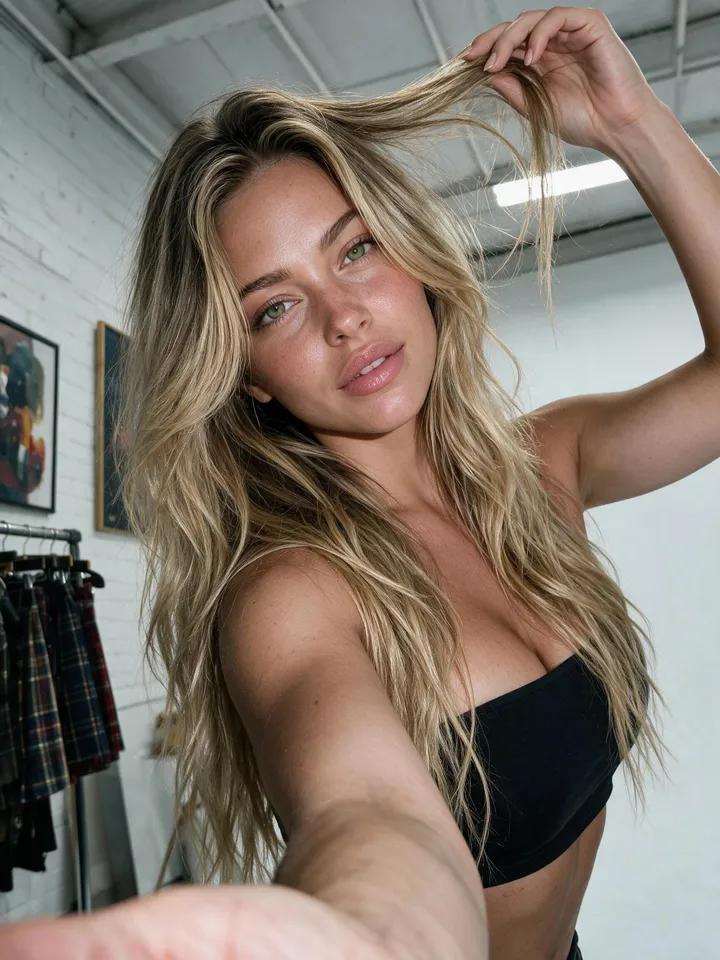
Put every identity detail in a single block and reuse that block verbatim: a named hair shade rather than a vague one, the length measured against a landmark on the body, the parting and the texture, then each tattoo with its design, its size, its colour or linework and the exact place it sits. Everything that is not identity — wardrobe, location, pose, light — goes after the block, and you change one of those per shot.
Where the block goes matters. Picsart's guide to consistent AI characters, read in November 2026, puts the locked description at the front of the prompt because a generator weights the start of a prompt more heavily, and it tells you to change only one or two elements per generation.
Then accept the ceiling: adjectives narrow a category, they never name an individual, so a block gets you similar and not identical. On OFMAI the identity lives in a stored character built from reference photos rather than in the wording, and the prompt only has to carry the scene.
Why does hair colour drift, and why do tattoos move or vanish?
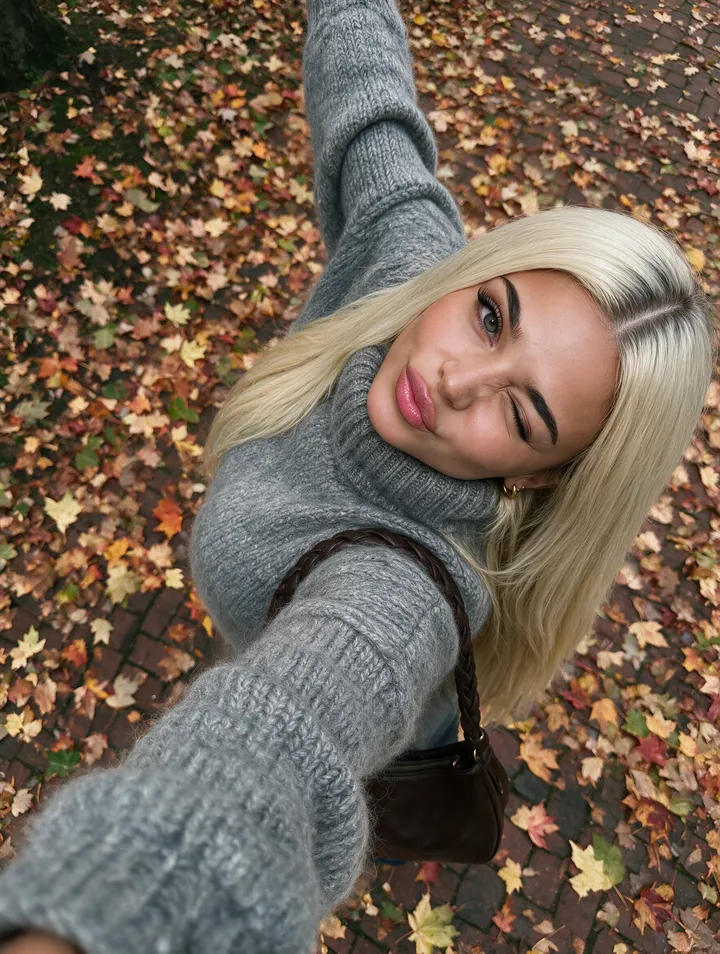
An image model starts each generation from fresh noise and has no memory of the last one. “Dark hair” covers a hundred shades, so the model picks one each time, and “blonde” drifts between ash, honey and platinum across a batch. Picsart's FAQ, read in November 2026, carries that question word for word — why does my character's hair or eye colour keep changing — and answers it the same way: be specific and never reword.
Tattoos fail differently. A tattoo is a small, high-detail mark occupying very few pixels in a full-body frame, so it is the first thing a generator approximates, slides a few centimetres, mirrors or drops outright. It also depends on the shot: a mark on a shoulder blade cannot be consistent in a photo that does not show the shoulder blade, and hard light flattens linework into a smudge. So hair colour is a vocabulary problem and a tattoo is a placement problem, and they need different fixes.
What goes in the identity block, field by field?
Hair: the shade named as precisely as you can say it, the roots if they differ, the length against a landmark (jaw, collarbone, mid-back), the parting, the texture and how it is worn. “Long straight platinum blonde hair, centre parting, no fringe” holds far better than “blonde hair”.
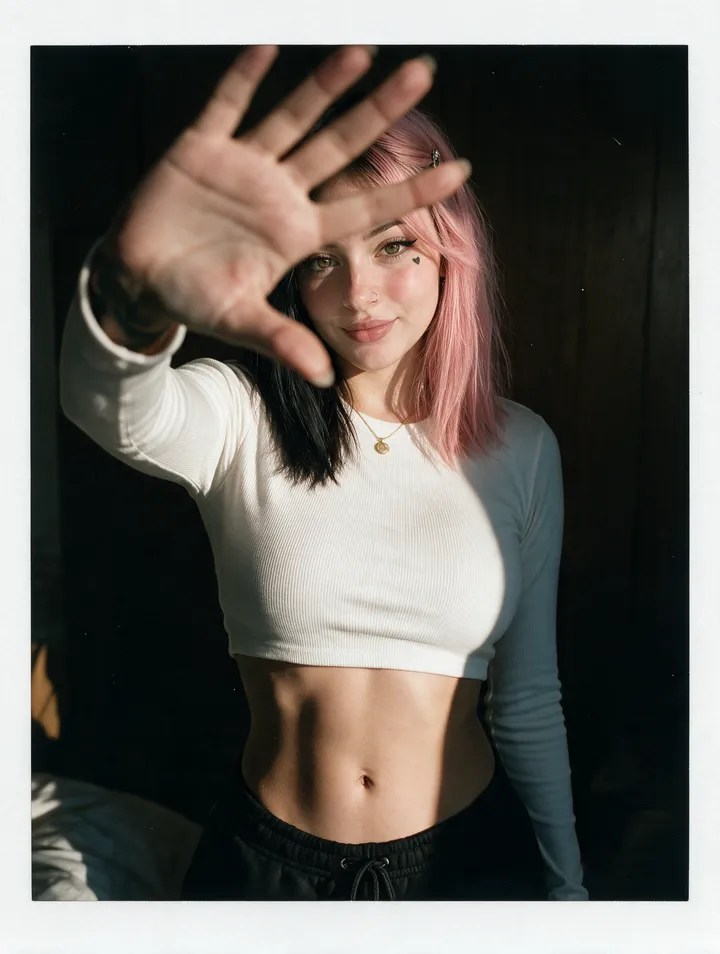
Tattoos, one clause each: the design, its size in centimetres, black linework or colour, the body landmark it sits on, and which way it faces. “Fine black linework serpent, about 12 cm, left inner forearm, head towards the wrist” is a clause a generator can act on; “has tattoos” is not. Keep one clause per tattoo, in the same order every time.
Anchors around them: eye colour, skin tone, freckles or moles, piercings, and any jewellery the character always wears. LocalBanana's character-consistency guide, read in November 2026, recommends exactly this — name specific unique features such as hair colour, eye colour and distinctive marks, add something unmistakable like a scar or a signature accessory, and keep the clothing wording and style keywords fixed across every image.
One rule governs the block: the same words every time, because a generator reads a synonym as a new instruction. Keep it in a text file and paste it; do not retype it.
What does the prompt template look like, step by step?
The order is identity, then wardrobe, then location and time of day, then pose and action, then camera and light. Only the last four move.
Step 1: generate a base image until one is right, front-on and well lit. Step 2: write the block from what that image shows, not from what you imagined, and save it alongside the image. Step 3: paste the block, add the scene after it, and keep the model and settings the same. Step 4: change one variable per shot. Step 5: review the batch as a grid, not one photo at a time.
A worked line: “[identity block] — cream knit jumper and jeans, bright modern kitchen, late morning daylight, leaning against the counter with a mug, natural window light.” The next shot changes the room and nothing else.
Two habits do most of the work: mention the hair shade a second time inside the scene clause when a batch starts sliding, and work from the approved image rather than from text alone for a profile, a back view or an extreme pose — Picsart's guide, read in November 2026, routes difficult angles through image-to-image for that reason.
Which routes hold hair colour and tattoos, and which ones fail?
A locked prompt template is free and far better than improvising, and it still comes last on every published ladder, because text alone cannot pin an individual. Seed reuse is next: a seed gives you the same image back, not an identity you can move into a new scene, which is why Picsart's FAQ, read in November 2026, answers “should I use the same seed” with a qualification rather than a fix.
Reference-image conditioning attaches an approved image to each generation: strong inside a session, nothing stored, and Midjourney's character-reference workflow is the best-known version of it. Fine markings are still the detail most likely to differ between two outputs, because a tattoo occupies the fewest pixels of anything you are asking the model to reproduce.
A trained adapter is the highest ceiling: a LoRA, a DreamBooth run, textual inversion or a full fine-tune on an open-weight checkpoint — the ladder Mythical AI's consistency guide, read in November 2026, lists for a local Stable Diffusion stack, against prompt detail, variations and image prompts for Midjourney. You own the weights and an unusual marking can genuinely be learned; the cost is curated images, training time, a GPU and a graph you maintain yourself.
A stored character sits between the two: references saved once, called in every later generation, no training run. getimg.ai's consistent-characters page, read in November 2026, is a clear example — a saved character takes 1 to 20 photos, with five to ten covering most cases, is referenced by name inside any prompt and needs no training step. Note what it promises and what it does not: it claims skin tone and key features carry across every image, and makes no claim at all about tattoos. That is the honest state of the art — nothing on this list sells a guarantee on a marking.
How does a stored character change the prompt you write on OFMAI?
You build the character once from 3 of your own reference photos — a portrait, a front view and a back view — with no training step and ready in minutes, or you design one from a text description. From then on, one character is reused in every generation, with the same look, body and morphology, so the prompt carries the scene and not the person.
Two practical consequences. Choose the three reference photos so the markings you care about are visible and well lit in them — a mark no reference shows is a mark nothing can carry forward. And when you design a character from a description instead, that description is where the hair shade and each tattoo clause belong.
Creating a character from scratch is 12 credits end to end: 6 for the batch of candidates and 6 to confirm your choice and generate the reference angles. A photo of that character is then 2 credits, an image edit is 2, and video starts at 7 credits and rises with resolution and length.
Do the arithmetic for your shot list first. Pro is 100 credits for $24.99 a month, or 50 photos of the same character; Agency is 1000 credits for $149.99 a month, or 500 photos. On Starter — $9.99 for 30 credits — a photo works out at about $0.67. Purchased credits never expire, subscription credits renew each month, and failed generations are refunded automatically. It all runs in the browser: no GPU, no install, no checkpoint to update.
How do you check hair and tattoos before publishing, and fix one that is off?
Judge a batch as a contact sheet, never one photo at a time: drift is invisible in isolation and obvious in a grid. Run a small trial first and spread it across genuinely different light, since a shade that holds under soft window light can go two steps warmer under a hard lamp. Then zoom into the tattoo region, because that is where an approximation hides at normal size. Three questions per shot: is the shade the same, is each mark in the same place and the same way up, and is anything there that should not be.
When one detail is wrong and the rest of the shot is good, edit it instead of rerolling. An image edit on OFMAI is 2 credits — the same as a fresh photo, with none of the risk of losing a pose you liked — and a failed generation is refunded automatically, so a retry costs time rather than credits.
When is a prompt block enough, and when is OFMAI the wrong tool?
A well-written block is enough for a handful of images, a mood board or a pitch, and it is the right answer when the look is meant to evolve or the style matters more than the person. Midjourney remains stronger for stylised art direction, and a block plus a reference image serves that work well.
A local Stable Diffusion stack with a trained adapter is the better route when you need to work offline, want to own the weights, or have a marking so distinctive that only training will hold it. You pay for that in hardware, setup and maintenance.
OFMAI is the wrong tool in a few clear cases. It is not a local model or downloadable software, but a hosted web app; not a scheduler or publishing hub, since you generate and export then post where you already publish; and not a general design or stock-image tool, because it is built around one recurring character rather than one-off images. Paid plans start at $9.99 a month, so a single image is not what it is for.
One limit is not technical. A character built from someone's photos has to be you or someone who agreed to it — never a real person's look without their consent, and the same goes for copying an identifiable tattoo that belongs to someone else.
At a glance
- One identity block, pasted verbatim at the front of every prompt; wardrobe, location, pose and light come after it, and only one of them changes per shot.
- Hair is a vocabulary problem: name the shade, the length against a landmark, the parting and the texture, and never paraphrase.
- Tattoos are a placement problem: one clause each, with design, size, linework, body landmark and orientation — and a frame that shows the mark.
- A seed returns the same image, not an identity you can move to a new scene; reference images are strong in session but store nothing.
- The routes that survive volume store the identity: a trained adapter you maintain yourself, or a stored character you call in every prompt.
- On OFMAI the character is built once from 3 reference photos with no training, for 12 credits; a photo of it is 2 credits, an image edit 2.
OFMAI in numbers
- creators signed up
- 13,000+
- photos and videos generated
- 72,000+
- videos generated
- 11,000+
Frequently asked questions
How do I write a prompt that keeps the same AI model's hair colour and tattoos in every photo?
Write one identity block — the named hair shade, length, parting and texture, plus one clause per tattoo giving its design, size, linework and the body landmark it sits on — paste it unchanged at the front of every prompt, and change only the scene after it. Because a prompt names a type of person and not a person, the block gets you close rather than identical; storing the identity as a reusable character is what holds it at volume. On OFMAI you build that character once from 3 reference photos for 12 credits, and every later photo, video and voice note reuses it.
Why does my AI character's hair colour keep changing between images?
Because the model starts each generation from fresh noise and your wording describes a range rather than a shade: “dark hair” or “blonde” covers dozens of colours, and any rewording counts as a new brief. Name the shade precisely, mention it again in the scene clause when a batch slides, and keep the model and settings identical. Picsart's consistency guide, read in November 2026, gives the same advice.
How do I describe a tattoo so it stays in the same place?
Give it a body landmark rather than a region: “left inner forearm, head towards the wrist” instead of “on her arm”. Add the size in centimetres, say whether it is black linework or colour, describe the design in a few words, and state which way it faces. Keep one clause per tattoo, in the same order in every prompt. A mark will still only be consistent in shots that actually show that part of the body in decent light.
Does using the same seed keep the hair and tattoos consistent?
Only partly. A seed with an unchanged prompt reproduces the same image, which is useful for testing one small change, but as soon as the scene moves it no longer guarantees the same person. It is a reproducibility tool, not an identity. Picsart's guide, read in November 2026, treats seed reuse as something to do where possible rather than as the fix.
Can I change the outfit and the location and still keep the hair and tattoos?
Yes — that is the point of separating the block from the scene. Keep the identity wording identical and move only wardrobe, location, pose, action and light. On OFMAI the identity is not in the wording at all: the stored character is reused in every generation, so a new outfit and a new room do not touch the look, body or morphology.
Do I have to train a model to keep tattoos consistent?
No, though training is the highest ceiling. A LoRA, DreamBooth run or fine-tune on an open-weight checkpoint can genuinely learn an unusual marking and the weights are yours — Mythical AI's consistency guide, read in November 2026, lists those as the Stable Diffusion routes — but it costs curated images, training time, a GPU and a stack to maintain. A stored character needs no training run: getimg.ai's consistent-characters page, read in November 2026, builds one from as few as five to ten photos with no training step, and OFMAI builds one from 3 reference photos.
What do I do when one photo gets the hair right but the tattoo wrong?
Edit that photo instead of rerolling, so you keep the pose and the light you liked. An image edit on OFMAI costs 2 credits, the same as a new photo but without the risk. Review batches as a grid and zoom into the tattoo region before publishing, since an approximation is invisible at normal size.
Related: Keep an AI model's body consistent · Fix an AI character whose look drifts · AI character generator · OFMAI pricing
OFMAI generates synthetic imagery. Uploading photos or cloning the voice of a real person requires that person's explicit consent, enforced by automated and human moderation. Disclose AI-generated content wherever the platform you publish on or applicable law requires it.