Can I Make My AI Model Talk on Camera With Her Own Cloned Voice?
By Marcus, AI generation expert at OFMAI · Updated
Yes, and she can be the same person with the same voice in every clip you make. On OFMAI the two halves arrive separately: a voice clone costs 10 credits once, a five-second clip of the same character costs from 7 credits, and a voice note in that cloned voice costs from 2 credits. You put the two together.
What decides your route is the mouth. If the camera is on her while she speaks and the words have to match, you need lip-sync, which is what presenter-avatar platforms are built for and what OFMAI is not. If she is not speaking straight down the lens — which is most short-form — you do not need lip-sync at all: generate the clip, generate the note in her cloned voice, and lay one over the other.
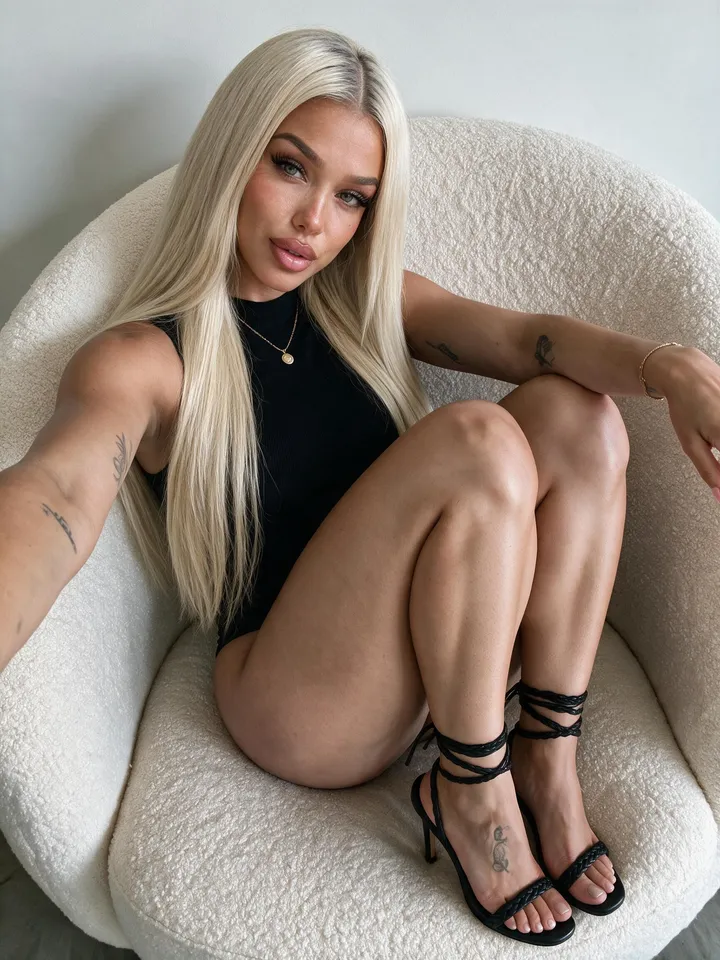
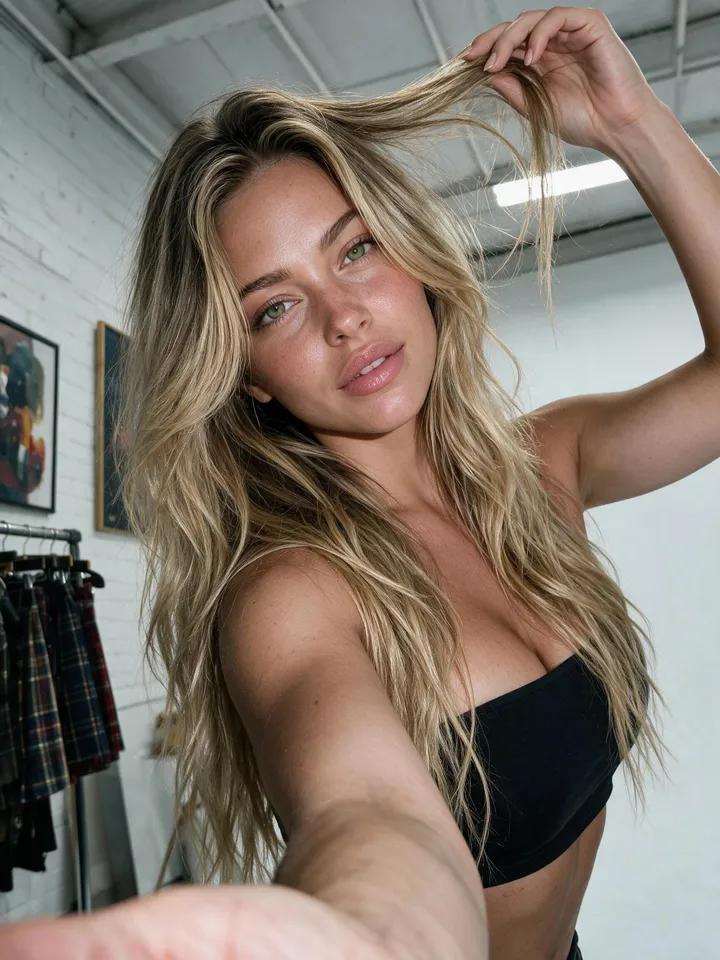
Can an AI model talk on camera in her own cloned voice?
Yes. Three things have to be true, and only the third one is a real decision. First, one stored character, so she is recognisably the same person in every shot. Second, one voice attached to that character. Third, a clip where the sound and the picture agree.
On OFMAI the first two are a single setup. You build the character from 3 of your own reference photos, with no training, or design her from a written description, then clone a voice onto her for 10 credits. That character is then reused across photos, video and voice, so the same look, body and morphology carry from the stills into the clips and the voice stays hers.
The third thing is where tools diverge. OFMAI generates short clips of that character and voice notes in her voice; it does not drive her mouth from your script. A presenter-avatar platform does precisely that and little else: you type, the avatar speaks, the mouth follows the text. Neither is better in the abstract — they answer different halves of the same question, and the practical answer is usually to use both, or to shoot the clip so the question never comes up.
What does the cloned voice cost?
A voice clone costs 10 credits on OFMAI, paid once — about $3.33 at Starter rates. It attaches to the character, so you are not re-cloning per clip. If you would rather not supply a recording at all, you can design a voice from a written description for 8 credits, or take one from the catalogue for 5 credits.
The audio itself is priced per note and per length. On the Standard model a short note is 2 credits, a medium one 3 and a long one 7; on Expressive, the warmer of the two, the same three lengths are 4, 6 and 14 credits. In money that is roughly $0.67 to $4.66 per take at Starter rates.
Expect to generate the same line more than once — a script that reads well silently often lands badly out loud. Budget two or three takes per usable line rather than one, and remember that failed generations are refunded automatically, so only the takes you actually get back cost you anything.
What does the on-camera clip cost?
Video on OFMAI starts from an image of the character you have already approved, and the price scales with resolution and length. Five seconds costs 7 credits at 480p, 13 at 720p and 25 at 1080p; ten seconds costs 13, 25 and 50. A thirty-second 480p clip is 38 credits.
A whole first setup — character 12 credits, voice clone 10, one five-second 480p clip 7 and one short note 2 — comes to 31 credits, or about $10.32 at Starter rates. After that the character and the voice are paid for and each new talking clip is the clip plus the note.
Per month, Starter is $9.99 for 30 credits, which covers about 3 short talking clips at 480p if you spend the whole allowance there. Pro covers roughly 11 and Agency about 111; plans run to $149.99 a month, 25% cheaper billed annually. Subscription credits renew every month, and credits bought as a top-up never expire.
What are the four routes to a talking clip, and what does each cost?
Route one, voice over a clip that does not show her talking. Generate the clip of your character — walking away, hands busy, looking out of a window, back to the lens — and put the cloned-voice note over it. No lip-sync needed, because nothing has to match. On OFMAI that is 7 credits for the clip plus 2 for the note, the clone already paid for. This is how most short-form voice-over content is actually made, and it is the cheapest honest answer to the question.
Route two, OFMAI for the character and the voice, a separate lip-sync tool for the mouth. You export an approved still of your character and the audio in her cloned voice, and run them through a tool that animates the mouth to the audio. You keep one persistent character across your photo library and pay a second tool only for the clips where the mouth is visible.
Route three, a presenter-avatar platform end to end. Synthesia's Basic plan is listed at $0/month with 10 minutes of video a month, Starter at $19/month billed monthly or $14/month billed yearly with 3 personal avatars, and Pro at $89/month or $59/month billed yearly with 5 personal avatars (synthesia.io/pricing, read 19 November 2026). HeyGen lists a Free plan with 3 watermarked videos a month capped at 1 minute, up to 3 photo avatars and 1 voice clone, then Creator at $29/month or $24/month billed yearly with 600 credits, Pro at $49/month with 1,000, and Business at $149/month plus $20 per seat with 1,500 (heygen.com/pricing, read 19 November 2026). D-ID offers a free trial and a Lite plan, both watermarked, bills by the minute rounded up to the nearest 15 seconds, and says unused minutes do not roll over (d-id.com/pricing, read 19 November 2026). One tool, lip-sync included — but these are presenter products, built around an avatar reading a script, not a creator persona with a photo library.
Route four, film yourself. Still the best-looking option and still free, and if you have the time it wins on warmth every time. It loses on volume: thirty clips a month, in a quiet room, with the energy of the first one, is a job. That is the only reason any of the other three exist.
What does a presenter-avatar platform need from you?
More than people expect, and it is worth knowing before you choose that route. Synthesia's personal-avatar documentation (docs.synthesia.io, read 19 November 2026) describes two entry points. From a photo: a .jpg or .png up to 250 MB, landscape, one person only, framed waist up, clear lighting, no heavy shadows, a neutral background, and visible teeth recommended for better lip-sync. From footage: .webm, .mp4 or .mov up to 2 GB, one to five minutes filmed as a single continuous take with no splicing, a still camera at eye level, a quiet room, and a pause every two to three sentences.
Consent is a gate, not a checkbox. The same documentation says the consent video has to be recorded live — an uploaded one is not accepted — and the person giving consent must be the person in the photo or the footage. A photo avatar is typically ready within minutes once consent is done, and is available on paid plans only; a video avatar comes back the next business day.
The lip-sync has a shape you should plan for. The documentation describes photo avatars as speech-driven animation with neutral body language, so the motion will not match how the person actually moves, and it notes that lip-sync reads best when the avatar is framed closer to the camera. Video avatars are locked to a single camera angle. That is fine for a presenter talking to camera and awkward for a persona who is supposed to have a life.
Read against OFMAI the trade is clear. A presenter platform gives you a mouth that follows your script and takes a real recording session to set up. OFMAI gives you a character from 3 photos with no training, in the browser, with no GPU, who shows up in photos, clips and voice notes — and leaves the mouth to you.
Whose voice and whose look are you allowed to clone?
Your own are the clean case: you are the person consenting, and that is the use this is built for. Anyone else's voice or likeness needs their explicit permission, and OFMAI does not allow a real person to be reproduced without their consent. If you want a voice with no real person behind it, design one from a description for 8 credits instead — that is exactly what the option is for.
The law here is moving. The US Copyright Office's report Copyright and Artificial Intelligence, Part 1: Digital Replicas, published on 31 July 2024, recommended that Congress create a federal right against the knowing distribution of unauthorised digital replicas, covering every individual for their lifetime rather than only well-known people, and recommended clarifying the Copyright Act so it does not conflict with laws restricting unauthorised voice replicas. It is a recommendation to Congress, not a statute. The same report notes that several states, among them Tennessee, Louisiana and New York, had already passed or amended laws aimed specifically at digital replicas.
Separately from the law, every platform you publish on sets its own rules about AI-generated content and disclosure, and those rules change. Check them before you build a product on a talking persona, and decide deliberately how much you tell the people watching. A paper licence from the person whose voice you cloned is cheap now and expensive to obtain later.
When is OFMAI the wrong tool for this?
When the deliverable is a presenter reading a script. A course module, a product walkthrough, a sales video in thirty languages, an onboarding clip updated every quarter: the whole point is text in, talking head out, and a presenter-avatar platform does that in one step for a monthly fee. OFMAI will not drive a mouth from your script, and pretending otherwise would waste your month.
When voice is the entire product, a dedicated voice platform is deeper than we are — bigger catalogues, broader language and dubbing coverage, an API to wire into your own software. And when there is no recurring character at all, a general image generator is cheaper, because you are not paying for continuity you do not need.
OFMAI earns its place in one specific case: the talking clip belongs to a persona you are already producing. The character, the photos, the clips and the voice sit in one place on one subscription from $9.99 a month, so the woman in the talking clip is the same woman as in last week's photo set, with the same body and the same voice, instead of three tools you have to keep in sync. Add a lip-sync step for the clips where the mouth is visible, and skip it for the ones where it is not.
A talking clip at a glance
- Clone her voice — 10 credits, once, attached to the character
- Design a voice from a description instead — 8 credits; catalogue voice — 5 credits
- Voice note, Standard model — 2 / 3 / 7 credits for short, medium, long
- Voice note, Expressive model — 4 / 6 / 14 credits for short, medium, long
- Five-second clip — 7 credits at 480p, 13 at 720p, 25 at 1080p
- First setup, all in — 31 credits, about $10.32 at Starter rates
- Short talking clips per month — about 3 on Starter, 11 on Pro, 111 on Agency
- Included — one character reused across photos, video and voice; no GPU, no training, no install
- Not included — lip-sync: OFMAI does not animate a mouth from your script
- Plans — $9.99 to $149.99 a month, 25% off billed annually
OFMAI in numbers
- creators signed up
- 13,000+
- photos and videos generated
- 72,000+
- videos generated
- 11,000+
Frequently asked questions
Can I make my AI model talk on camera with her own cloned voice?
Yes. Clone a voice onto your character for 10 credits, generate a clip of that same character from 7 credits and a note in her voice from 2 credits, then put the two together. OFMAI produces the clip and the audio; if the words have to match a visible mouth, add a lip-sync step or shoot the clip so she is not speaking to the lens.
Does OFMAI do lip-sync?
No. OFMAI generates short clips of your character and voice notes in her cloned voice, but it does not animate a mouth from a script. For a true talking head, pair an exported still and the cloned-voice audio with a lip-sync tool, or use a presenter-avatar platform for that clip.
How much does it cost to set up a character with her own voice?
About 22 credits: 12 for the character and 10 for the voice clone, roughly $7.33 at Starter rates. Both are one-off — afterwards you pay only for each clip and each note.
Will the voice match the person in my photos and videos?
Yes, in the way that matters: the voice is attached to the character, and that character is reused across photos, video and voice, so the same look, body and morphology and the same voice carry through everything you generate of her.
How long can one talking clip be?
Clip length and resolution set the price on OFMAI: five seconds is 7 credits at 480p and 25 at 1080p, ten seconds is 13 and 50, and thirty seconds at 480p is 38 credits. For anything longer, cut several clips of the same character rather than one long take.
Do I need to record a long video of myself first?
Not on OFMAI: a character is built from 3 reference photos with no training, and a voice clone needs a recording of the voice you are cloning. Presenter-avatar platforms ask for more — Synthesia's documentation, read on 19 November 2026, asks for one to five minutes of footage in a single continuous take for a video avatar, plus a consent video recorded live.
Can I clone someone else's voice for my AI model?
Only with their explicit permission. Reproducing a real person without consent is not allowed on OFMAI, and the US Copyright Office's July 2024 report on digital replicas recommended a federal right against unauthorised replicas covering every individual, noting that states including Tennessee, Louisiana and New York had already legislated on it. For a voice with no real person behind it, design one from a description for 8 credits.
Is a presenter-avatar platform better for this than OFMAI?
For a presenter reading a script to camera, yes — that is what they are built for, and lip-sync comes included. OFMAI is the better fit when the talking clip belongs to a recurring persona whose photos, clips and voice you are already producing in one place, on one subscription from $9.99 a month.
Related: AI voice generator for creators · Clone your voice for paid voice notes · Keep an AI character consistent in video · AI video generator for creators · AI clone of yourself · Guide: AI influencer with voice · OFMAI pricing · Scale one influencer to several languages · Resolutions and aspect ratios by platform
OFMAI generates synthetic imagery. Uploading photos or cloning the voice of a real person requires that person's explicit consent, enforced by automated and human moderation. Disclose AI-generated content wherever the platform you publish on or applicable law requires it.