What Resolutions and Aspect Ratios Do You Need for AI Model Content on Each Social Platform?
By Marcus, AI generation expert at OFMAI · Updated
Three canvases cover almost everything: 1080 × 1920 (9:16) for Stories, Reels, TikTok and Shorts, 1080 × 1350 (4:5) for feed posts on Instagram, Facebook, X, LinkedIn and Threads, and 1200 × 630 (1.91:1) for link previews. Add 1080 × 1440 (3:4) if the Instagram profile grid matters to you, 1600 × 900 (16:9) for X landscape and YouTube, and 1000 × 1500 (2:3) for Pinterest. Every number on this page comes from two specification guides - LayerProof's "Social Media Image Sizes 2026", references accessed 1 October 2026, and PixWrench's "Image Sizes for Social Media: Official Specs", sources checked 8 October 2026 - plus YouTube's own help centre, read on 23 November 2026.
The part those guides do not cover is what changes when the person in the shot is generated. OFMAI builds one persistent AI character, either from 3 of your own reference photos with no training or from a text description, then generates photos, short videos, voice notes and image edits of that same character with the same look, body and morphology in every output - photos from 2 credits, image edits at 2, and five-second clips from 7 credits at 480p to 25 at 1080p, with lengths up to 30 seconds. Because the character is stored and reused, you can generate a second shot in the framing you need instead of cropping the first one down below the width platforms want. OFMAI is not a resizer, a scheduler or a publishing hub: you generate, export, then post where you already publish.
What resolutions and aspect ratios do I need for AI model content on each social platform?
Four ratios do the work: 9:16 at 1080 × 1920 for every full-screen vertical surface (Instagram Stories and Reels, TikTok, Facebook Stories, YouTube Shorts), 4:5 at 1080 × 1350 for feed posts on Instagram, Facebook, X, LinkedIn and Threads, 1.91:1 at 1200 × 630 for anything that appears as a shared-link preview, and 16:9 at 1600 × 900 for X landscape posts and YouTube. Two specialities sit outside that set: Instagram's profile grid is 3:4, so a 1080 × 1440 export is the one that is not cropped in your own grid, and Pinterest's standard Pin is 2:3 at 1000 × 1500, with anything taller at risk of being cut off in feeds (PixWrench, sources checked 8 October 2026).
Ratio matters more than pixel count. Platforms re-encode almost everything you upload, so the dimension that decides whether your content is cropped is the shape, not the file size. Instagram keeps your image at full resolution when it is between 320 and 1080 px wide and between 1.91:1 and 3:4, and scales anything wider down to 1080 px (PixWrench, 8 October 2026); LinkedIn accepts post images between 3:1 and 4:5 and asks for at least 1080 px of width (LayerProof, references accessed 1 October 2026). Export at the right ratio and at least 1080 px wide and you are inside every rule on this page.
What sizes does Instagram need in 2026?
The feed and Stories sizes are in the reference list above; two things that list cannot tell you matter more. The profile grid has been 3:4 since January 2025, with native 3:4 photo posts following in May 2025, so a Reel cover uploaded at 9:16 appears in your own grid as a centred 1080 × 1440 crop - a cover with the subject or the text near the top or the bottom loses it. And on Stories, keep anything that has to be read out of the top 250 px and the bottom 340 px, where the interface overlays sit (LayerProof, references accessed 1 October 2026).
That gives a simple rule for a character account. If visitors judge the account from the grid - common while an audience is still being built - generate and export at 3:4 so your profile shows the whole frame. If the feed is where the views are, 4:5 has the larger footprint. Both are 1080 px wide, so neither costs you resolution.
What sizes does TikTok need?
TikTok has one canvas, 9:16, and the tightest safe zone of any surface on this page: on a 1080 × 1920 frame, keep anything that has to be read out of the top 150 px, the bottom 400 px and the right-hand 150 px, where the caption, the action rail and the music strip sit (LayerProof, references accessed 1 October 2026). A 4:5 or 1:1 image still posts, but it displays with bars, so it reads as a repurposed feed post rather than something made for the surface.
For generated content the safe zone is a composition decision taken before you generate, not a crop applied afterwards: a subject framed centrally survives the overlays, one framed low in the shot does not.
What sizes do YouTube and YouTube Shorts need?
Thumbnail and banner sizes are in the reference list above. The two rules that catch people out come from YouTube itself: an upload of up to three minutes that is square or taller in aspect ratio is treated as a Short, so a 1:1 or 9:16 clip under three minutes goes to the Shorts feed whether you meant it to or not; and in a thumbnail A/B test, any test image below 720p (1280 × 720) causes every thumbnail in that experiment to be downscaled to 480p (854 × 480), with up to three thumbnails or titles per test (YouTube Help, read 23 November 2026).
The practical consequence for generated content is to produce the frame you intend to use as a thumbnail at the highest resolution you can, rather than upscaling a small export afterwards.
What sizes do Facebook, X, LinkedIn, Threads and Pinterest need?
Facebook mirrors Instagram in the feed and adds its own furniture - a page cover, an event cover and a group cover. The rule worth memorising is that cover text belongs in the middle 640 px of the width, because the mobile crop takes the sides. X is the only platform here that still rewards landscape, at 1600 × 900 with a 600 px minimum width, and caps files at 5 MB with up to four images per post (LayerProof, references accessed 1 October 2026).
LinkedIn takes 1080 × 1350 or 1080 × 1080 in the feed and 1200 × 627 for a post carrying a URL (LayerProof, references accessed 1 October 2026), but the two guides disagree about the company page cover - 4200 × 700 at LayerProof, 1512 × 256 at PixWrench - so check LinkedIn's own help page before you commission that one asset. Threads inherits Instagram's shapes, 1080 × 1350, 1080 × 1080 and 1080 × 566, and has no published link-preview spec, though a 1200 × 630 og:image displays correctly (LayerProof, references accessed 1 October 2026). Pinterest is the outlier: a 2:3 Pin at 1000 × 1500, with anything taller at risk of being cut off in feeds (PixWrench, sources checked 8 October 2026).
Is there one size that works on every platform?
No, but two files get you to about 90% coverage: 1080 × 1350 (4:5) for every feed, and 1080 × 1920 (9:16) for every full-screen vertical surface. Add a 1200 × 630 for link previews and a 1600 × 900 if you post landscape on X or YouTube and the set is complete. What does not work is one square file everywhere: 1:1 posts smaller in the feed than 4:5 on Instagram, Facebook and LinkedIn, and displays with bars on TikTok (LayerProof, references accessed 1 October 2026).
The order you make them in matters more than most guides admit. Going from 9:16 to 4:5 is free: you keep the full 1080 px width of a 1080 × 1920 frame and crop the height to 1350. Going the other way is not: cropping a 1080 × 1350 image to 9:16 means keeping the full height and cutting the width to about 759 px, which lands below the 1080 px width Instagram and LinkedIn want. If you are only going to make one version of a shot, make the vertical one.
Does any of this change when the model is AI-generated?
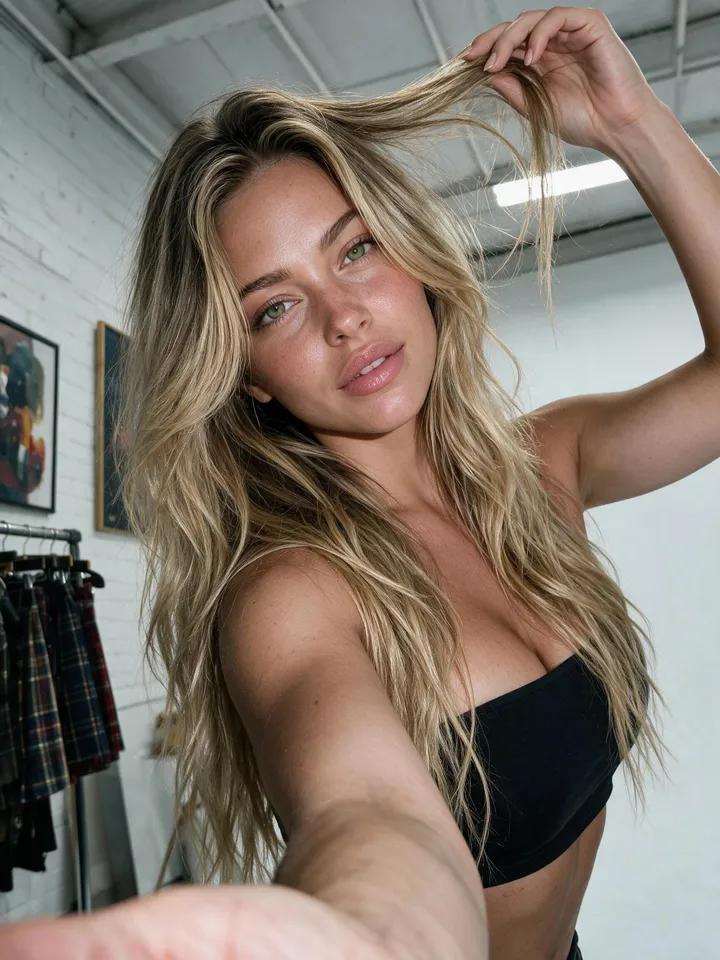
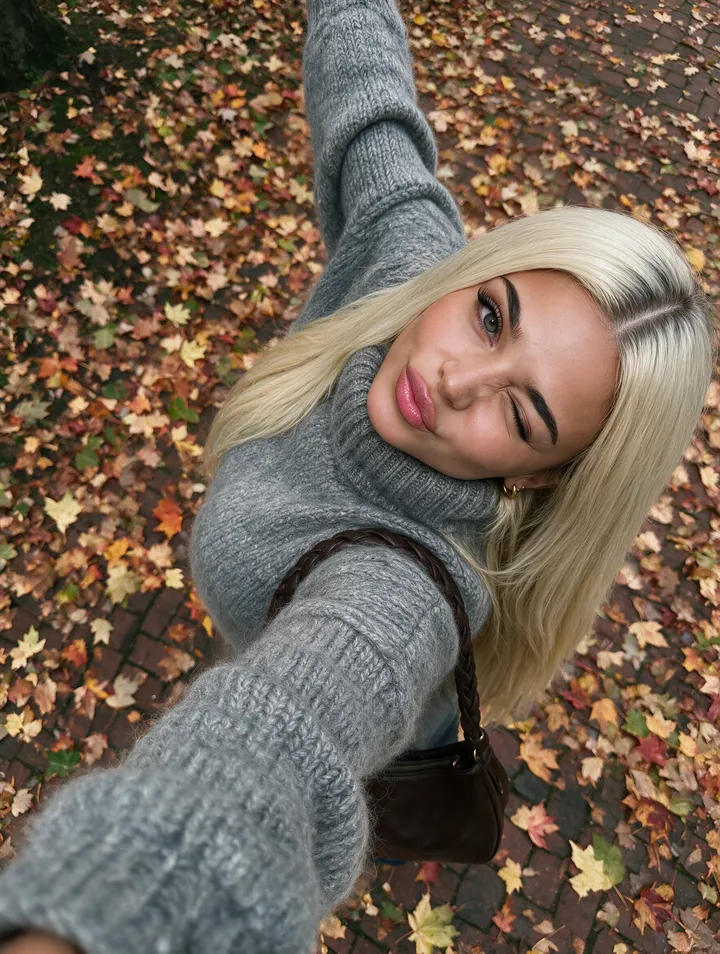
Three things change. First, framing becomes a decision you take before you generate rather than after: a generated frame has no out-of-frame footage to recover, so a composition that works at 4:5 and a composition that works at 9:16 are two different generations, not one image and a crop. Second, cropping costs pixels you cannot get back, and the arithmetic above is unforgiving - the safe habit is to produce vertical first and crop down. Third, and this is the one that only applies to generated content: you can simply shoot the scene again in the other framing, because the person is stored rather than booked.
That is where a persistent character earns its place. On OFMAI the character is built once - from 3 of your own reference photos with no training, or from a description - and reused in every generation, so the vertical clip, the 4:5 feed post and the 3:4 grid tile show the same look, body and morphology rather than three people who resemble each other. A second photo in a different framing costs 2 credits; an edit of an approved frame costs 2. Neither is a crop, and neither re-rolls the person.
What does a full set of platform-sized shots cost on OFMAI?
In credits: a photo is 2, an image edit is 2, and a five-second clip is 7 at 480p, 13 at 720p or 25 at 1080p, with a ten-second 1080p clip at 50. Longer clips run to 30 seconds and scale with resolution and length. Failed generations are refunded automatically.
A worked week, in the shapes this page recommends: five vertical stills for Stories and TikTok and five 4:5 feed posts is ten photos at 2 credits each, plus two five-second 1080p clips at 25. Plans start at $9.99 a month for 30 credits - about $0.67 a photo - and run to $24.99 for 100 credits on Pro, with top-ups on every plan and purchased credits that never expire. Subscription credits renew each month rather than rolling over.
When is OFMAI not the right tool for this job?
When the problem is the export, not the content. OFMAI generates the character and the frames; it does not resize files, add safe-zone guides, build a channel banner, design a thumbnail with text on it or schedule anything. For the sizing step itself you still want an image editor or a resizing tool, and for the posting cadence a scheduler - a generator will not fix either, and neither will it apply a platform's AI-content label for you.
Two honest alternatives. If you want to control the exact output dimensions and upscale on your own hardware, a local open-source setup gives you that control; the trade-off is a GPU, the setup and the training time, against paying per credit for a hosted studio with no GPU and no node graphs. If what you need is a presenter talking to camera about a product, avatar and talking-head tools are built for that and will get you there faster. OFMAI's case is narrower on purpose: one recurring character, generated in the browser, with photos, short video and voice in the same place.
The sizes, platform by platform (checked October and November 2026)
- Instagram feed: 1080 × 1350 (4:5) for the biggest in-feed footprint, 1080 × 1440 (3:4) to match the profile grid, 1080 × 1080 (1:1), 1080 × 566 (1.91:1) landscape. JPG or PNG under 8 MB (LayerProof, 1 October 2026).
- Instagram Stories and Reels: 1080 × 1920 (9:16). Keep text out of the top 250 px and bottom 340 px; the grid shows a centred 1080 × 1440 crop of a Reel cover (LayerProof, 1 October 2026).
- TikTok: 1080 × 1920 (9:16) for video, covers and photo mode (up to 35 images). Safe zone: top 150 px, bottom 400 px, right 150 px. 4:5 and 1:1 display with bars (LayerProof, 1 October 2026).
- YouTube thumbnail: 3840 × 2160 (16:9), minimum width 640 px, 2 MB on mobile or 50 MB on desktop. Shorts thumbnail: 2160 × 3840 (9:16), minimum height 640 px (PixWrench, 8 October 2026).
- YouTube channel banner: 2560 × 1440 (16:9), minimum 2048 × 1152, 6 MB or less, with a 1235 × 338 safe area for text and logos (PixWrench, 8 October 2026).
- YouTube Shorts rule: an upload of up to three minutes that is square or taller is treated as a Short (YouTube Help, read 23 November 2026).
- Facebook feed: 1080 × 1350 (4:5), 1080 × 1080 (1:1), 1200 × 630 (1.91:1). Stories 1080 × 1920. Cover 851 × 315, minimum 400 × 150, sRGB JPG under 100 KB (LayerProof and PixWrench, October 2026).
- X: header 1500 × 500 (3:1), posts 1080 × 1350, 1600 × 900 (16:9, minimum width 600 px) or 1080 × 1080, link card 1200 × 628. JPG or PNG under 5 MB, up to four images per post (LayerProof, 1 October 2026).
- LinkedIn: feed 1080 × 1350 or 1080 × 1080, post with URL 1200 × 627, personal background 1584 × 396 (4:1), article cover 1920 × 1080, page logo 400 × 400 (minimum 268 × 268). Images between 3:1 and 4:5, minimum width 1080 px (LayerProof, 1 October 2026, and PixWrench, 8 October 2026).
- LinkedIn company page cover: the guides disagree - 4200 × 700 (6:1) at LayerProof (1 October 2026), 1512 × 256 (5.9:1) at PixWrench (8 October 2026). Check LinkedIn's own help before producing it.
- Threads: 1080 × 1350, 1080 × 1080, 1080 × 566, profile photo synced from Instagram. No published link-preview spec; a 1200 × 630 og:image displays correctly (LayerProof, 1 October 2026).
- Pinterest: standard Pin 1000 × 1500 (2:3). Taller than 2:3 risks being cut off in feeds (PixWrench, 8 October 2026).
- Shared-link preview, any platform: 1200 × 630 (1.91:1), minimum 600 × 315, file under 8 MB (PixWrench, 8 October 2026).
- Instagram's resize rule: images between 320 and 1080 px wide and between 1.91:1 and 3:4 keep their resolution; anything wider is scaled down to 1080 px (PixWrench, 8 October 2026).
- Formats: JPG for photographic frames, PNG for text and flat colour, sRGB throughout. DPI is ignored - only pixel dimensions count (LayerProof, 1 October 2026).
- Production order: generate vertical first. 1080 × 1920 crops to 1080 × 1350 at full width; 1080 × 1350 cropped to 9:16 falls to about 759 px wide, below what the feeds want.
OFMAI in numbers
- creators signed up
- 13,000+
- photos and videos generated
- 72,000+
- videos generated
- 11,000+
Frequently asked questions
What resolutions and aspect ratios do I need for AI model content on each social platform?
Four shapes cover nearly everything. 1080 × 1920 (9:16) for Instagram Stories and Reels, TikTok, Facebook Stories and YouTube Shorts; 1080 × 1350 (4:5) for feed posts on Instagram, Facebook, X, LinkedIn and Threads; 1200 × 630 (1.91:1) for shared-link previews; and 1600 × 900 (16:9) for X landscape and YouTube. Two exceptions: Instagram's profile grid is 3:4, so 1080 × 1440 is the export that is not cropped in your own grid, and Pinterest wants a 2:3 Pin at 1000 × 1500. Figures from LayerProof's 2026 size guide (references accessed 1 October 2026) and PixWrench's official-specs guide (sources checked 8 October 2026).
If I can only generate one version of a shot, which size should it be?
The vertical one, 1080 × 1920 at 9:16. Cropping a 9:16 frame down to 4:5 keeps the full 1080 px width and only trims the height, so the feed version stays at full resolution. The reverse does not work: cropping a 1080 × 1350 image to 9:16 means cutting the width to about 759 px, which is under the 1080 px minimum width LinkedIn asks for and under the width Instagram keeps at full resolution (LayerProof and PixWrench, October 2026). Generate vertical, crop down, never up.
Should I post at 4:5 or 3:4 on Instagram?
4:5 at 1080 × 1350 gives the largest footprint in the feed, which is where most views happen. 3:4 at 1080 × 1440 matches the profile grid, which has been 3:4 since January 2025 with native 3:4 photo posts following in May 2025 (LayerProof, references accessed 1 October 2026). If visitors judge the account from the grid - common for a character account that is still building an audience - 3:4 avoids the centred crop. Otherwise 4:5 wins on reach.
What is TikTok's safe zone?
On the 1080 × 1920 canvas, keep anything that must be read out of the top 150 px, the bottom 400 px and the right-hand 150 px, where the caption, the action rail and the music strip sit (LayerProof, references accessed 1 October 2026). For generated content that is a composition decision taken before you generate: a subject framed centrally survives the overlays, one framed low in the shot does not.
What size should a YouTube thumbnail be, and is a Short different?
A standard thumbnail is 16:9 - 3840 × 2160 if you have it, with a 640 px minimum width and an upload limit of 2 MB on mobile or 50 MB on desktop. A Shorts thumbnail is 9:16 at 2160 × 3840 with a 640 px minimum height (PixWrench, sources checked 8 October 2026). YouTube also treats any upload of up to three minutes that is square or taller as a Short, and in a thumbnail A/B test a test image below 720p (1280 × 720) drags the whole experiment down to 480p (YouTube Help, read 23 November 2026).
What happens if I upload something wider than Instagram accepts?
It gets scaled down. Instagram keeps an image at full resolution when it is between 320 and 1080 px wide and between 1.91:1 and 3:4; anything wider than 1080 px is resized to 1080 px, and anything narrower than 320 px is enlarged (PixWrench, sources checked 8 October 2026). Uploading a 4K frame does not buy extra sharpness in the feed - matching the ratio does.
What file format should I export for social media?
JPG for photographic frames and PNG for anything built on text, logos or flat colour, with everything in sRGB. DPI is ignored by every platform on this page - only the pixel dimensions count, so a 72 or 300 DPI tag changes nothing about how an image is displayed. The file ceilings are low and worth checking before a batch upload: under 8 MB on Instagram, Facebook and LinkedIn, under 5 MB on X (LayerProof, references accessed 1 October 2026).
Does a consistent AI character help with platform sizing?
It removes the reason to crop. With a stored character you can generate the same person again in the framing a surface needs instead of cutting pixels out of an existing frame, so the 9:16 clip, the 4:5 feed post and the 3:4 grid tile show the same look, body and morphology. On OFMAI the character is built once, from 3 of your own reference photos with no training or from a text description, then reused in every generation - an extra photo in a new framing is 2 credits, an edit of an approved frame 2.
Does OFMAI export at each platform's size for me?
No. OFMAI generates photos, short videos, voice notes and image edits of one consistent character - photos from 2 credits, five-second clips from 7 credits at 480p to 25 at 1080p, plans from $9.99 a month for 30 credits. It is not a resizer, a design tool, a scheduler or a publishing hub, so the per-platform crops, covers and banners are still done in an image editor, and you post where you already publish.
Related: AI model generator · AI influencer generator · AI video generator for creators · Promoting an AI model without getting banned · Where to post AI influencer content · OFMAI pricing and credits · Upscale photos for print and large format · UGC ads with an AI spokesperson
OFMAI generates synthetic imagery. Uploading photos or cloning the voice of a real person requires that person's explicit consent, enforced by automated and human moderation. Disclose AI-generated content wherever the platform you publish on or applicable law requires it.
Shoot the vertical first, crop the feed from it
Build one persistent AI character from 3 of your own photos or from a description, then generate every framing you need of the same person - photos at 2 credits, image edits at 2, five-second clips from 7 credits at 480p to 25 at 1080p. Same look, body and morphology in the 9:16 clip and the 4:5 post. Plans from $9.99 a month for 30 credits, around $0.67 a photo.